For some sample types it is desired to split a larger sample volume into subsamples
and report the results as the average of these subsamples. This is supported via the
multi-cup analysis.
Normal operation uses sub samples as part of samples in one cup.
In the Operation Profiles in FossManager you can set the number of cups
('repetitions') for the product in question. In ISIscan Nova this is shown along with
the product name.
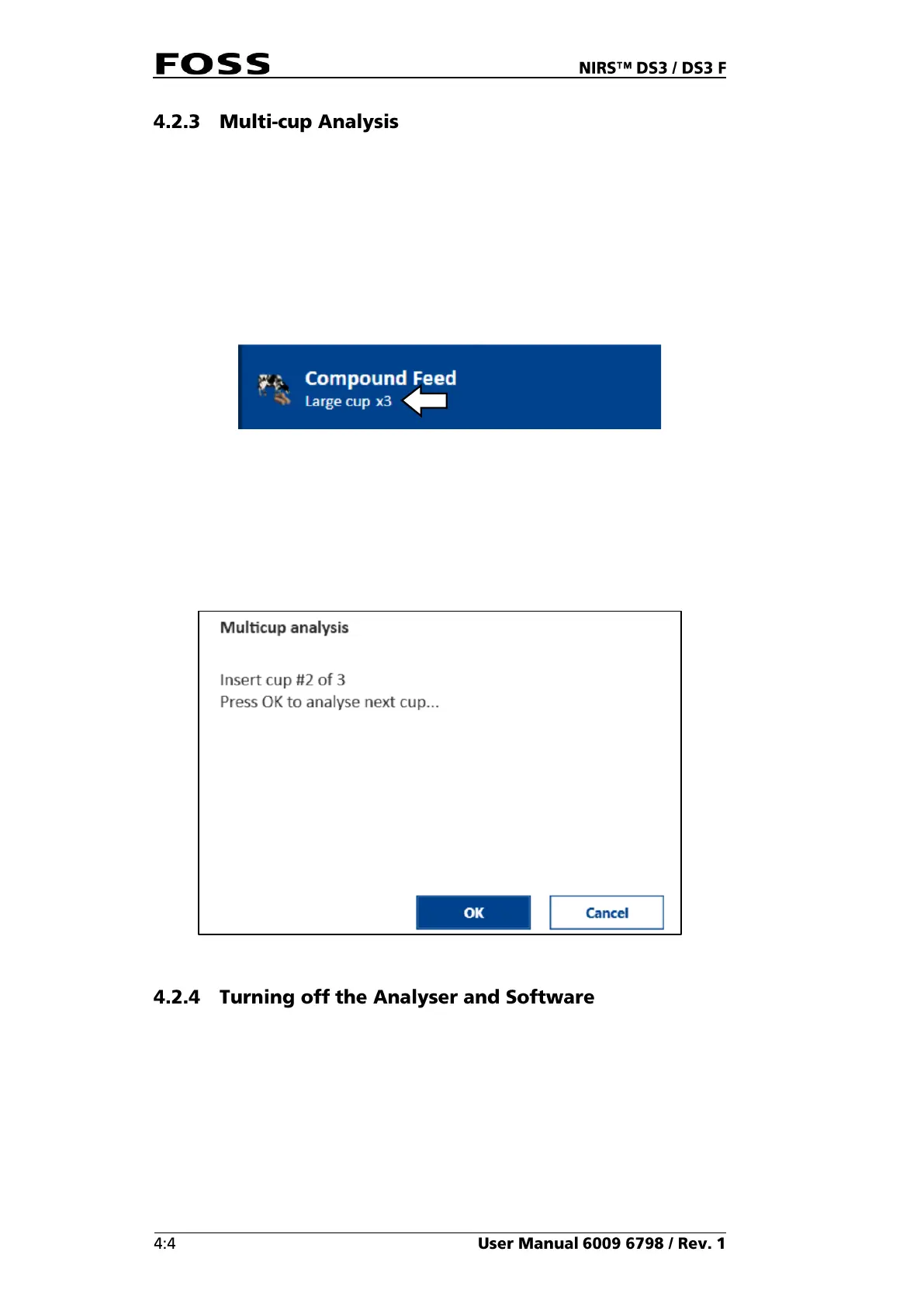
Fig. 31 Multi-cup analysis (three cups of the type “Large cup”)
Click the Start button to run the first cup and wait for a message before you
continue with the next cup/sample. After scanning all cups, the results are
presented as the average of all cups. Results of the individual cups are not
presented.
Fig. 32
The instrument and PC can stay turned on between analyses and overnight without
any problems. FOSS recommends turning it off over longer idle periods, e.g., over
a weekend or during holidays.
The Smart Start option can also be used to reduce power consumption and save
the instrument; both the PC and instrument need to be turned on. The instrument
will go into sleep mode.
It is also recommended to turn off or reboot the PC at regular intervals to avoid
problems from the build-up of temporary log files and redundant memory. (How



 To Next Page
 Loading...