EasyManua.ls Logo

Fostex FD-8 - Re-Recording.14

Fostex FD-8
28 pages
Print Icon
To Next Page IconTo Next Page
To Previous Page IconTo Previous Page
Loading...
F05CQ(
You
just
finished
recording
your
first
session
on
track
1.
Did
you
like
it?
To
continue
recording
on
track
1
from
other
input
jacks,
or
on
another
track,
read
the
following
“Hints.”
<Hints>
*
Recording
your
performance
on
a
track
other
than
track
1
Use
the
channel
PAN
knob
and
the
RECORD
TRACK
select
key.
If
the
PAN
knob
is
set
to
“L,”
tracks
1,
3,
5,
and
7
are
available
for
recording.
If
the
PAN
knob
is
set
to
“R,”
tracks
2,
4,
6,
and
8
are
available
for
recording.
Then,
use
the
RECORD
TRACK
select
key
to
select
the
track
you
wish
to
record.
You
can
record
data
on
eight
tracks
simultaneously
on
any
disk
other
than
an
MO
disk.
For
example,
if
you
set
all
RECORD
TRACK
select
keys
to
“READY”
and
set
the
channel
PAN
knobs
for
all
connected
sound
sources
to
“center,”
you
could
record
all
sources
to
tracks
1-8
simultaneously.
*
Monitoring
a
track
recording
sound
To
monitor
a
recording
sound,
use
the
MON
mix
section
of
the
channel
that
corresponds
to
the
record¬
ing
track
number.
That
is,
if
you
are
recording
data
to
track
1,
use
the
channel
1
MON
mix
section.
If
you
are
recording
data
to
track
5,
use
the
channel
5
MON
mix
section.
If
a
musical
instrument
connected
to
INPUT
jack
1
(channel
1)
is
recorded
to
track
8,
you
will
need
to
use
the
channel
8
MON
mix
section
to
adjust
the
monitoring
level.
Rerecording
One
of
the
great
functions
of
the
FD-8
is
that
if
you
make
a
mistake
during
recording,
you
can
restore
the
data
before
you
made
the
mistake.
And,
you
can
also
restore
the
data
that
was
obtained
after
you
made
a
mistake.
These
functions
are
called
the
“undo
function”
and
the
“redo
function.”
The
UNDO/REDO
key
on
the
control
panel
controls
these
functions.
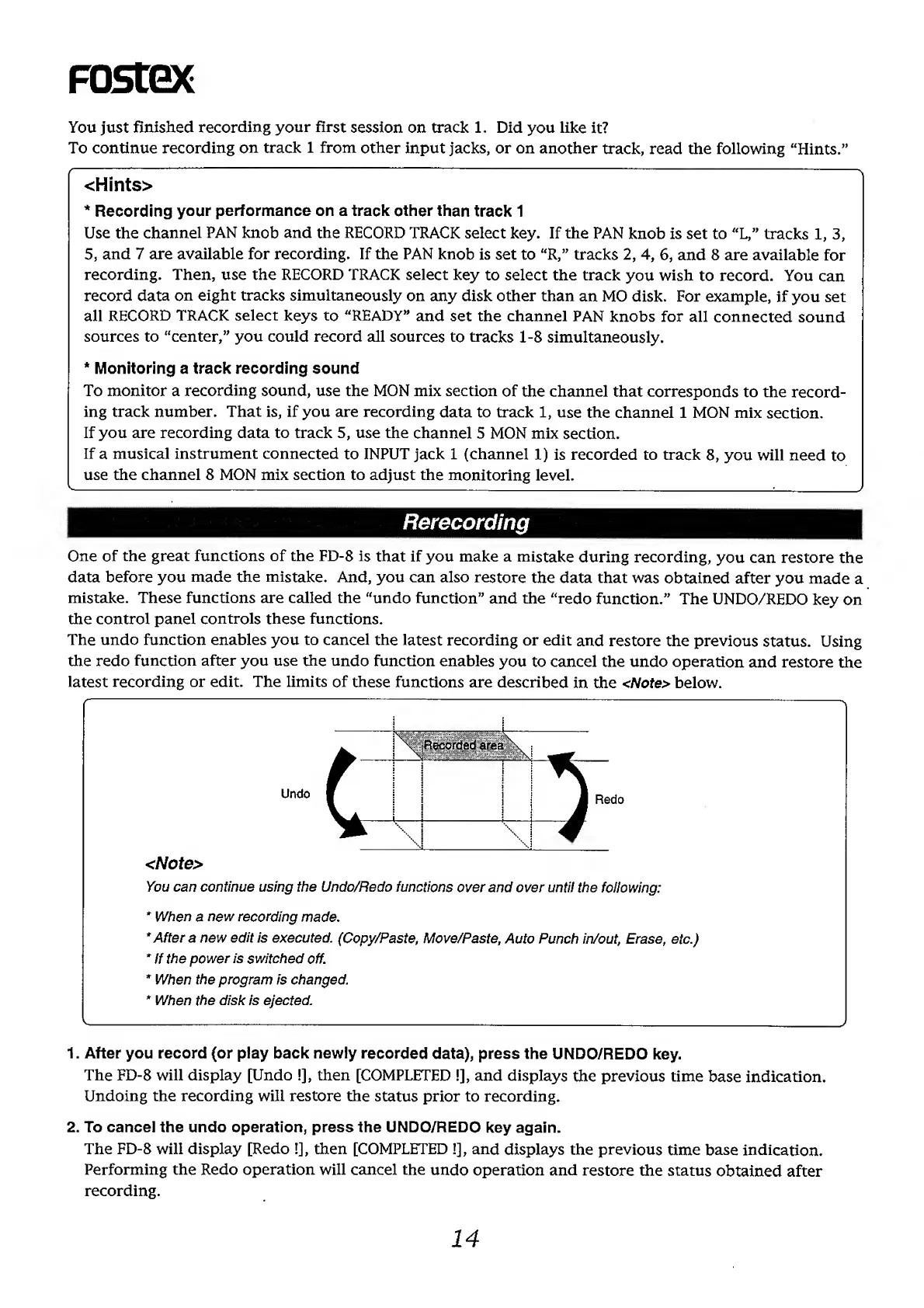
The
undo
function
enables
you
to
cancel
the
latest
recording
or
edit
and
restore
the
previous
status.
Using
the
redo
function
after
you
use
the
undo
function
enables
you
to
cancel
the
undo
operation
and
restore
the
latest
recording
or
edit.
The
limits
of
these
functions
are
described
in
the
<Note>
below.
<Note>
You
can
continue
using
the
Undo/Redo
functions
over
and
over
until
the
following:
*
When
a
new
recording
made.
*
After
a
new
edit
is
executed.
(Copy/Paste,
Move/Paste,
Auto
Punch
in/out,
Erase,
etc.)
*
If
the
power
is
switched
off.
*
When
the
program
is
changed.
*
When
the
disk
is
ejected.
-—_-
1.
After
you
record
(or
play
back
newly
recorded
data),
press
the
UNDO/REDO
key.
The
FD-8
will
display
[Undo
!],
then
[COMPLETED
I],
and
displays
the
previous
time
base
indication.
Undoing
the
recording
will
restore
the
status
prior
to
recording.
2.
To
cancel
the
undo
operation,
press
the
UNDO/REDO
key
again.
The
FD-8
will
display
[Redo
!],
then
[COMPLETED
!],
and
displays
the
previous
time
base
indication.
Performing
the
Redo
operation
will
cancel
the
undo
operation
and
restore
the
status
obtained
after
recording.
14