5
81
A message will appear :
Press <Y> to create the volume and return to the main menu. Two RAID0 volumes
werecongured.
Are you sure you want to create this volume ? (Y/N) :
Intel(R)MatrixStorageManageroptionROMv5.0.0.1011ICH9RwRAID5
Copyright(C)2003-04IntelCorporationAllRightsReserved.
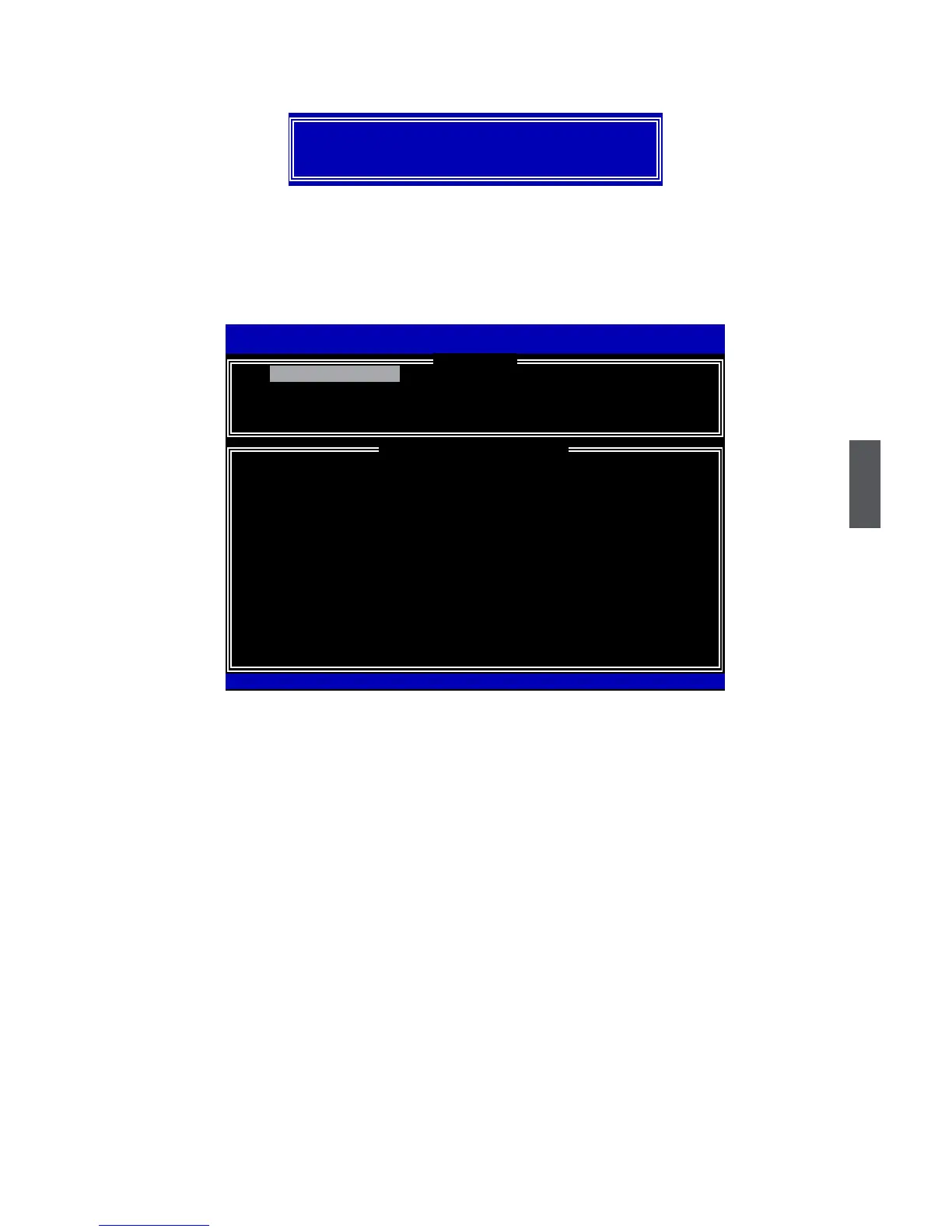
1. Create RAID Volume 3. Reset Disks to Non-RAID
2.DeleteRAIDVolume 4.RecoverVolumeOptions
5.Exit
RAID Volume :
ID Name Level Stripe Size Status Bootable
0 TryRAID0 RAID0(Stripe)128KB150.0GB
Normal Yes
1 TryRAID0-1 RAID0(Stripe)128KB148.1GB
Normal Yes
Physical Disks:
Port Drive Model Serial # Size Type/Status(Vol ID)
0 HitachiHDS72161 PVF904Z21G2JZM 149.0GB Member Disk(0,1)
1
ST380811AS
5PS1TAGW 74.5GB Non-RAID Disk
2
SAMSUNG HD161HJ
S0V3J9APA30524 149.0GB Member Disk(0,1)
3
ST380815AS
5RW1CA37
74.5GB Non-RAID Disk
Intel(R)RapidStorageTechnology-OptionROM-10.0.0.1032
Copyright(C)2003-10IntelCorporation.AllRightsReserved.
[ DISK/VOLUMEINFORMATION ]
[ MAIN MENU ]
1. Create RAID Volume
[↑↓]-Select[ESC]-Exit[ENTER]-SelectMenu












 To Next Page