Setup
54
Using the FOXTEL iQ2
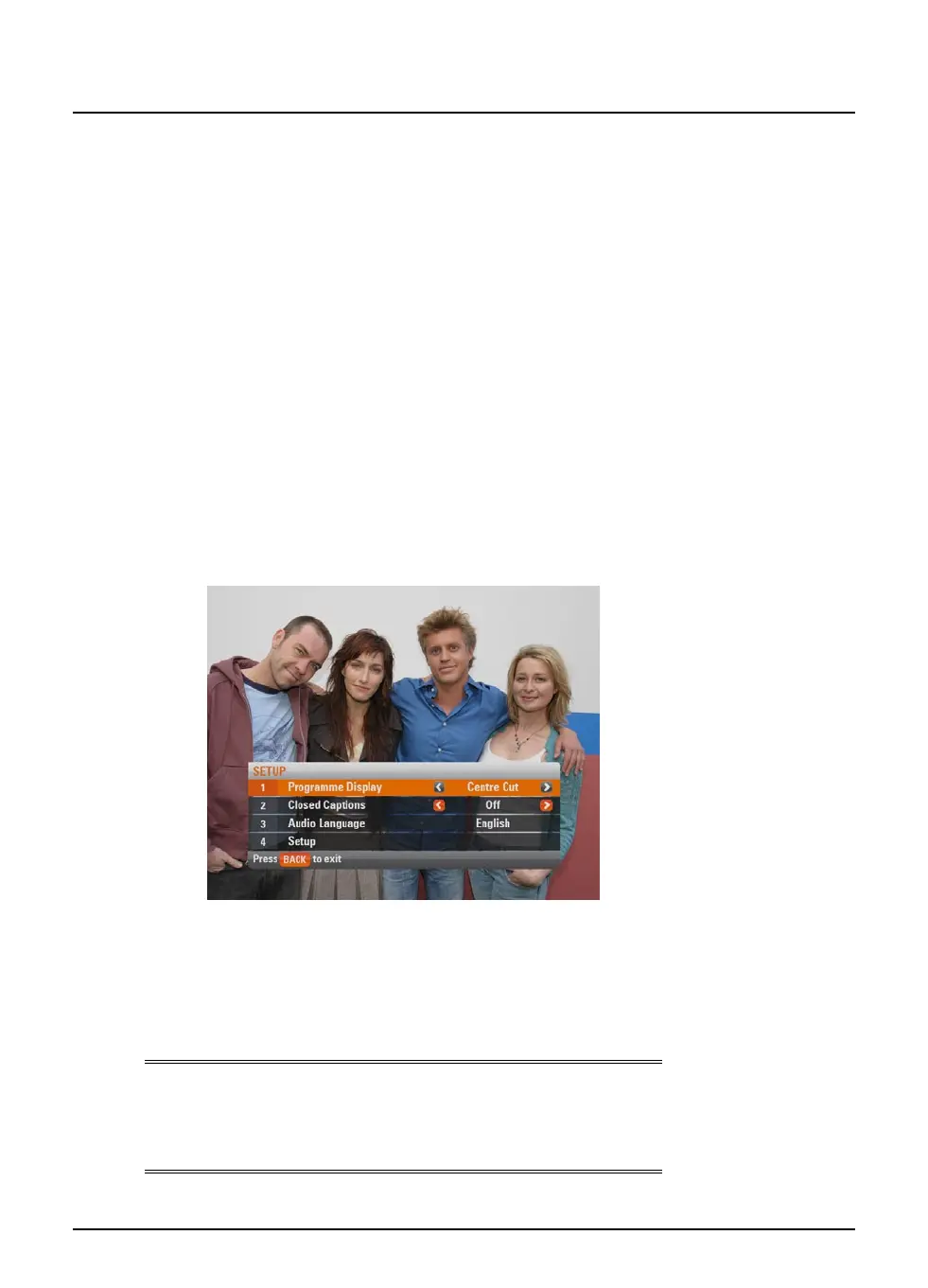
v Using the Setup banner
You use the Setup banner to make temporary changes to the way
the FOXTEL iQ2 works with your TV. Theses settings are:
u Programme Display - to set how programmes transmitted in
different formats display on your TV;
u Closed Captions - to set whether you want these to appear
in your current viewing session;
u Audio Language - if a programme is being broadcast with
more than one language use the setup banner to select your
preferred language.
You also use the Setup banner to display the Setup screens (see
page 56), which allow you to make permanent changes to all the
FOXTEL iQ2 settings.
You use the Setup banner as follows:
1. From a digital TV programme, press setup on the remote
control.
The Setup banner displays.
2. Press U or D to highlight the item you want to change.
3. Press L or R to select the setting you want. The settings for
the Programme Display are explained on page 55.
4. Press back to redisplay the TV picture, which is now using the
new setting(s).
Note
The changes you make on the Setup banner are temporary
changes. If you want to change the settings permanently, use the
Settings screens (see page 56).



 To Next Page