18
NT530 Plus User’s Manual_English_V1.03
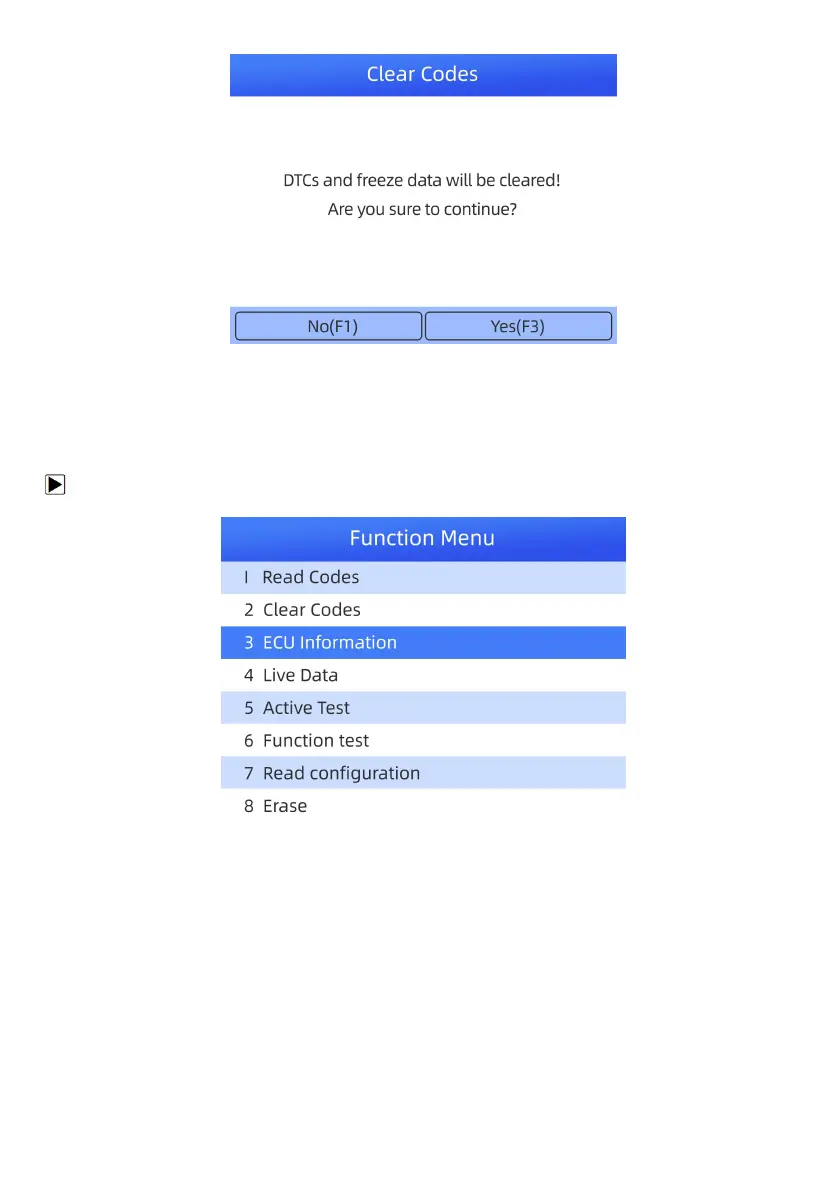
Figure 4-12 Sample Clear Codes Screen
3. Check the codes again. If any codes remain, repeat the Erase Codes steps.
4.1.3.3 ECU Information
ECU Information screen displays the identification data of the control module under test, such as the control
module identification string, the control module coding, and Work Shop Code.
To read ECU information:
1. Select ECU Information from the menu and press the ENTER key.
Figure 4-13 Sample Function Menu Screen
2. A screen with detailed information of the selected control module displays.



 To Next Page