24
NT530 Plus User’s Manual_English_V1.03
NOTE
Available tests depend on the control module under test and the vehicle itself.
To start a test:
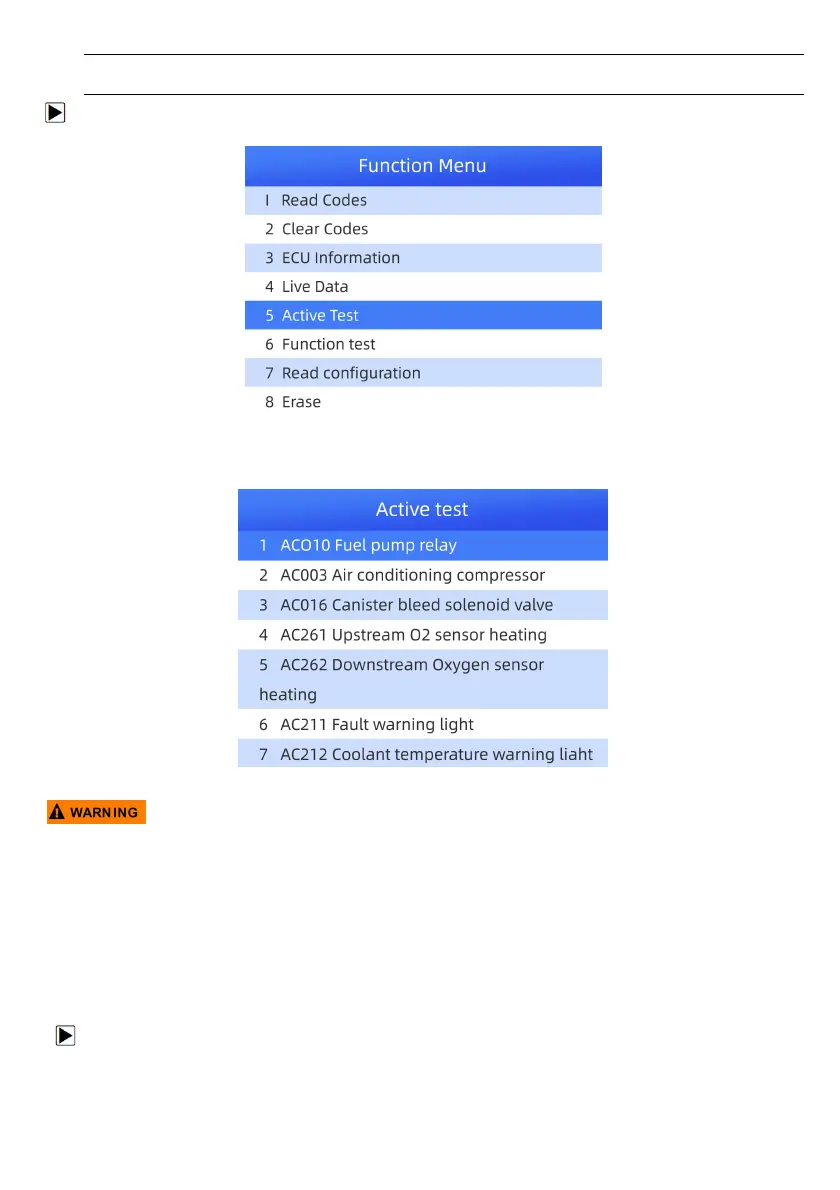
1. Select Active Test from Function Menu and press the ENTER key.
Figure 4-25 Sample Function Menu Screen
2. Select the test you would like to perform and press the ENTER key. Follow on-screen instructions to make
proper selections and operations to complete the tests.
Figure 4-26 Sample Selective Screen Tests Screen
● Before running any tests, always observe the safety instructions provided in this manual and the warnings
provided by the vehicle manufacturer. In addition, follow any warnings and descriptions provided on the
scanner screens.
● Never run the tests while the vehicle is moving.
4.1.3.7 Special Functions
Special Functions perform various component adaptations of the control module under test, allowing you to
recalibrate or configure certain components after making repairs or replacement. Typical service operation
screens are a series of menu driven executive commands. Follow on-screen instructions to complete the
operation.
To perform special tests on a vehicle:
1. Scroll with the arrow keys to highlight the special function test you want to perform fromthe menu and
press the ENTER key.



 To Next Page