34
NT530 Plus User’s Manual_English_V1.03
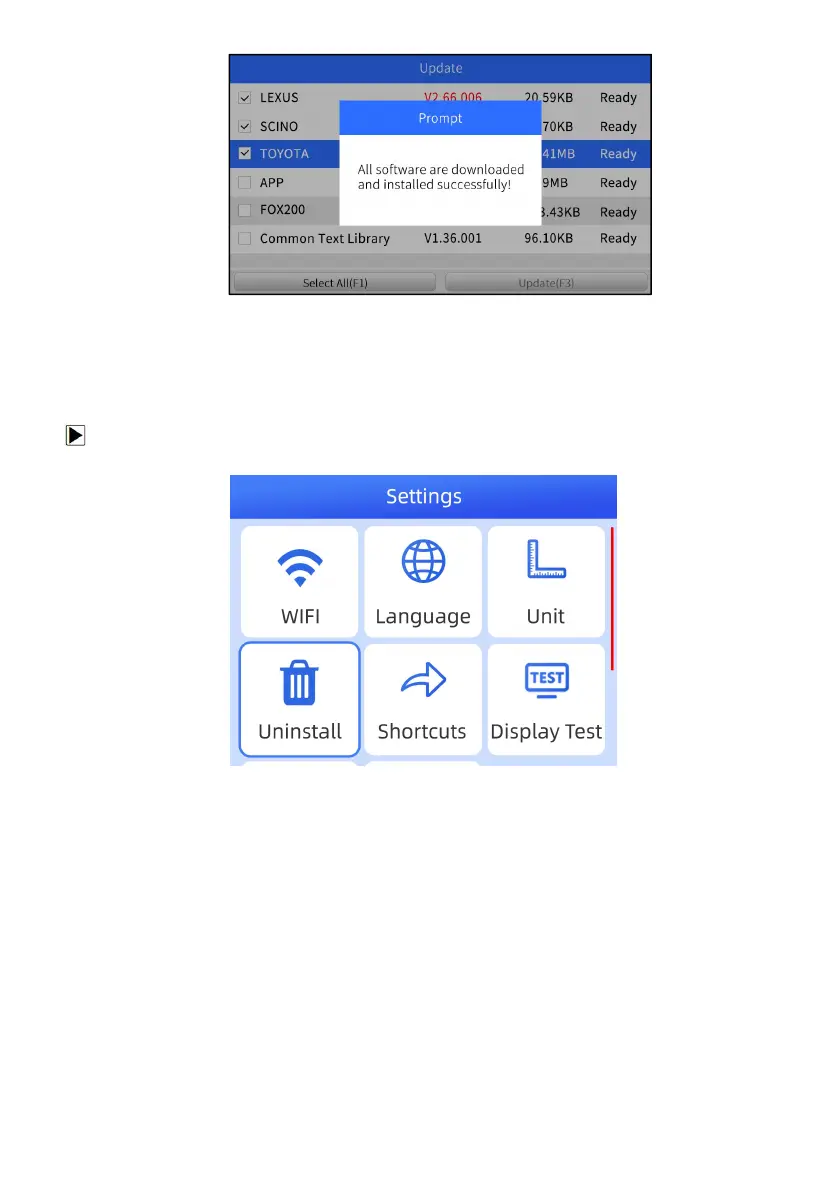
Figure 7-4 Sample Update Completed Screen
8 Uninstall
This option allows you to uninstall the vehicle software installed in the scanner.
To uninstall a vehicle software:
1. Enter Settings application on home screen.
Figure 8-1 Sample Uninstall Vehicle Software Screen
2. Select the Uninstall Vehicle Software option on the option list.
3. Choose the vehicle software you want to delete or choose Select All to Uninstall.



 To Next Page