33
NT530 Plus User’s Manual_English_V1.03
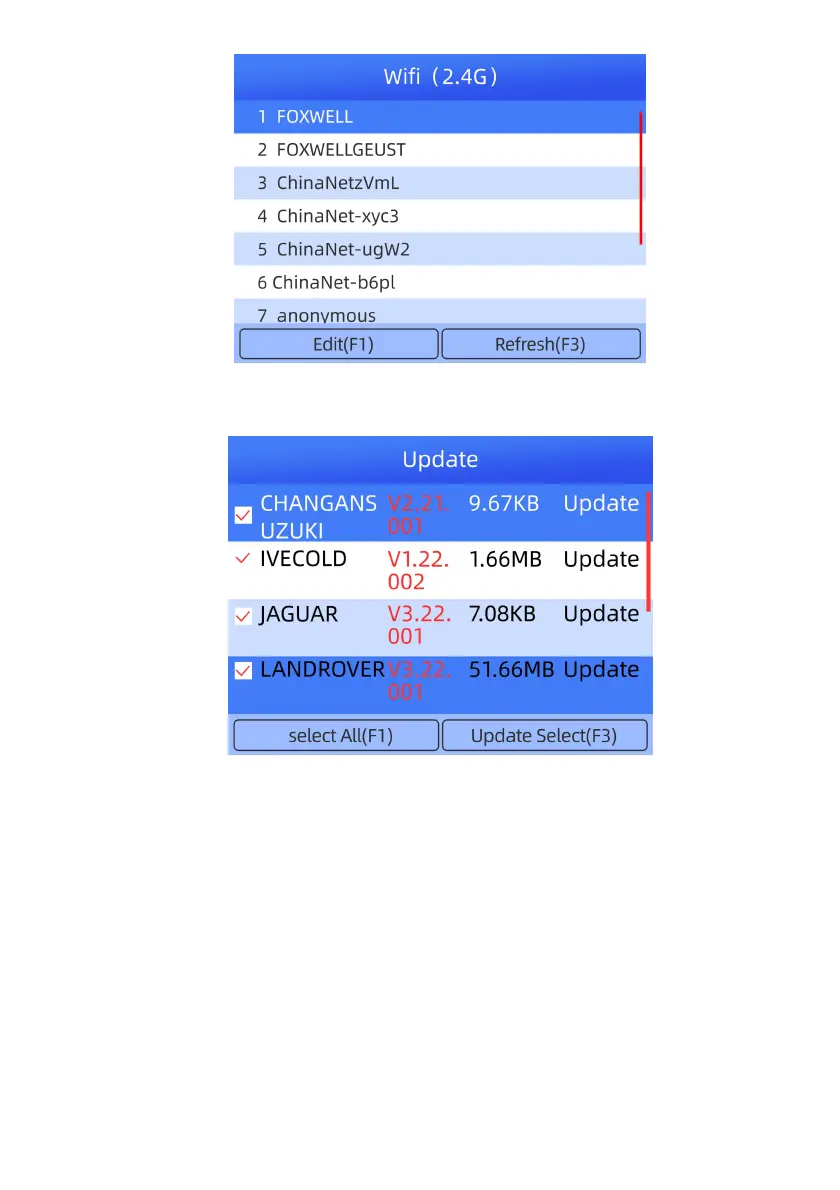
Figure 7-2 Sample WIFI Selection Screen
2.In the Update, click the check box(es) in front of the software(s) you wish to update and then click the
Update Select button to download.
Figure 7-3 Sample Upgrade Check Screen
3.When all the items are updated, an “All software downloads are successfully installed!”
message displays.



 To Next Page