30
NT530 Plus User’s Manual_English_V1.03
6.4 Display Test
Selecting Display Test option opens a screen that allows you to check the functionality of the display.
To test the display:
1. Scroll with the arrow keys to highlight Display Test from Settings menu and press the ENTER key to start test.
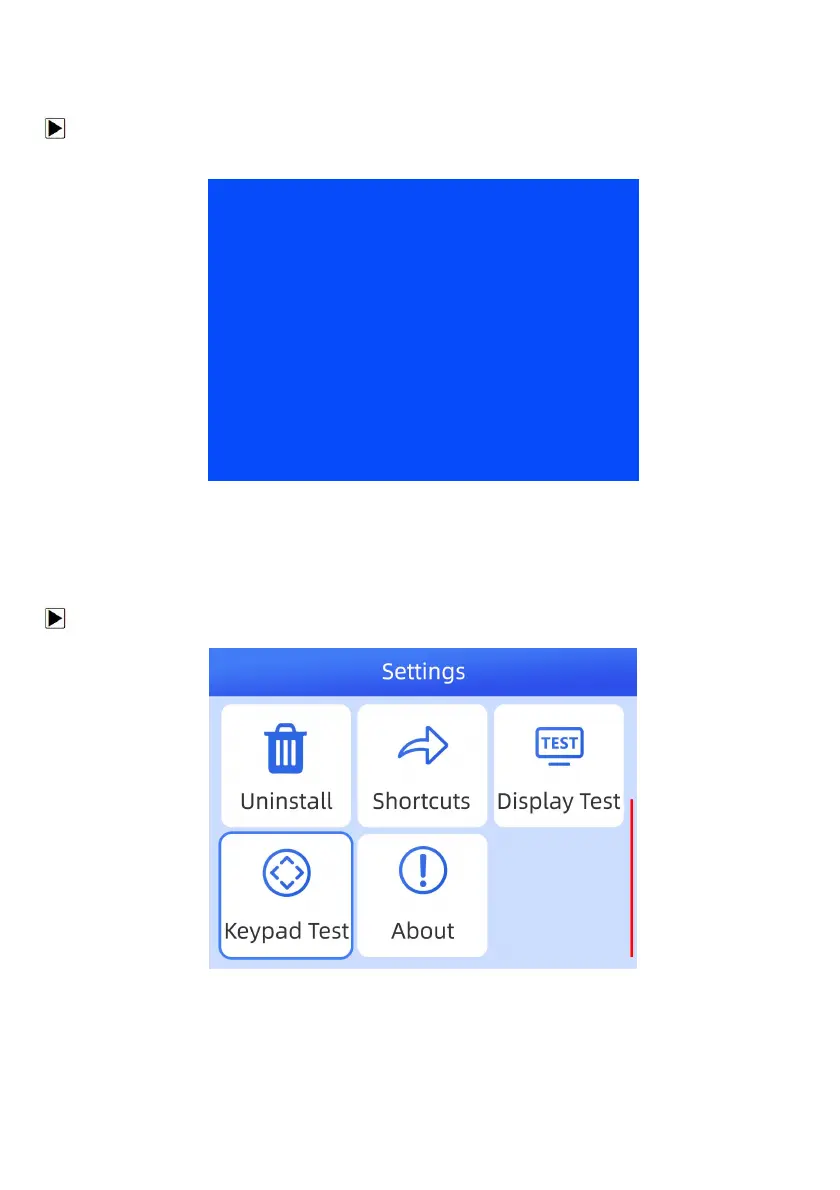
Check if there are any missing spots in the LCD screen.
Figure 6-8 Sample LCD Test Screen
2. To quit the test, press the Back key.
6.5 Keypad Test
Selecting Keypad Test option opens a screen that allows you to check the functionality of the keypad.
To test the keypad:
1. Scroll with the arrow keys to highlight Keypad Test from Settings menu and press ENTER key.
Figure 6-9 Sample Settings Screen
2. Press any key to start test. The virtue key corresponding with the key you pressed will be highlighted on the
screen if it works correctly.



 To Next Page