35
NT530 Plus User’s Manual_English_V1.03
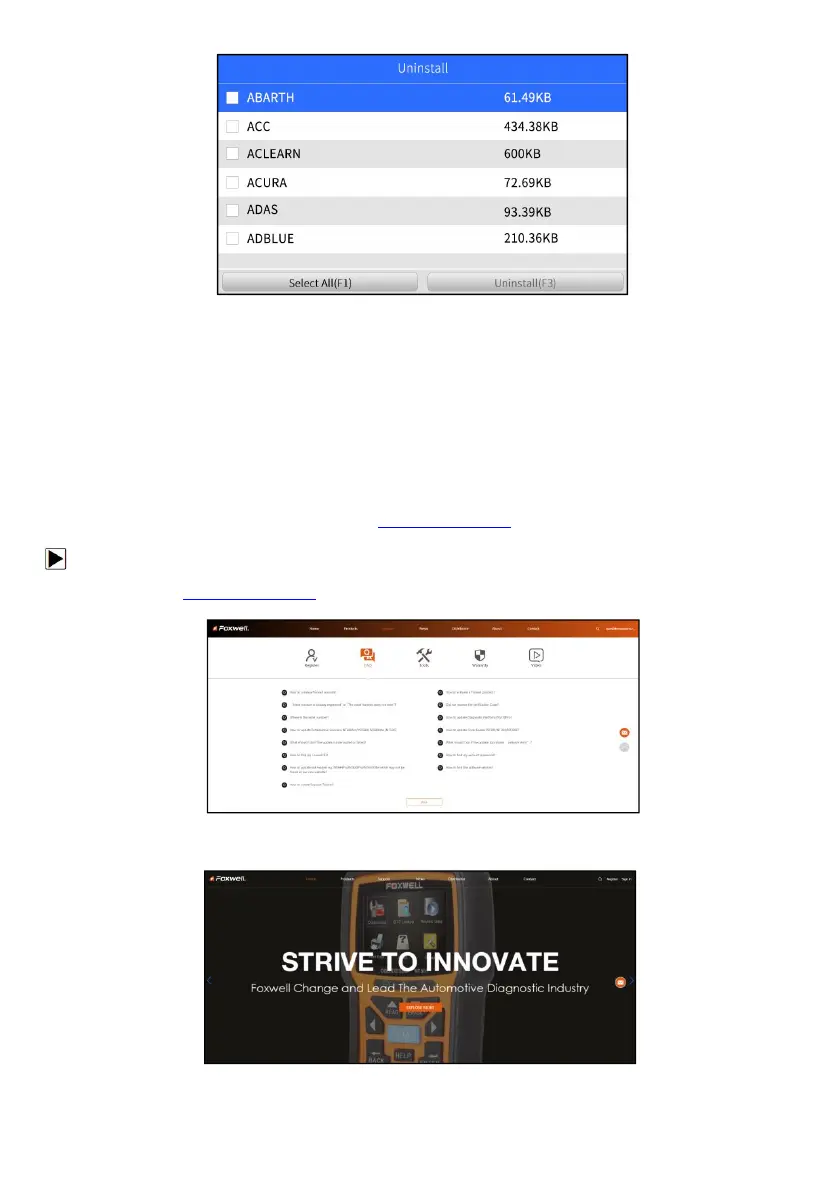
Figure 8-2 Sample Uninstall Vehicle Software Screen
9 Register
The scanner can be updated to keep you stay current with the latest development of diagnosis. This section
illustrates how to register your scan tool.
9.1 Create a Foxwell ID
9.1.1 Register Through Website
If you are new to FOXWELL, please register on www.foxwelltech.us and create a FOXWELL ID first. If you have
installed the update application FoxAssist, please refer to the registration guide on 9.1.2.
1. To register through website:
To create a Foxwell ID and register your scan tool
a. Visit our site www.foxwelltech.us and then select Support>Register.
Figure 9-1 Sample Register Screen
b. Click Register link at the top right of the website or at the lower side of home page.
Figure 9-2 Sample Register Screen



 To Next Page