20
NT530 Plus User’s Manual_English_V1.03
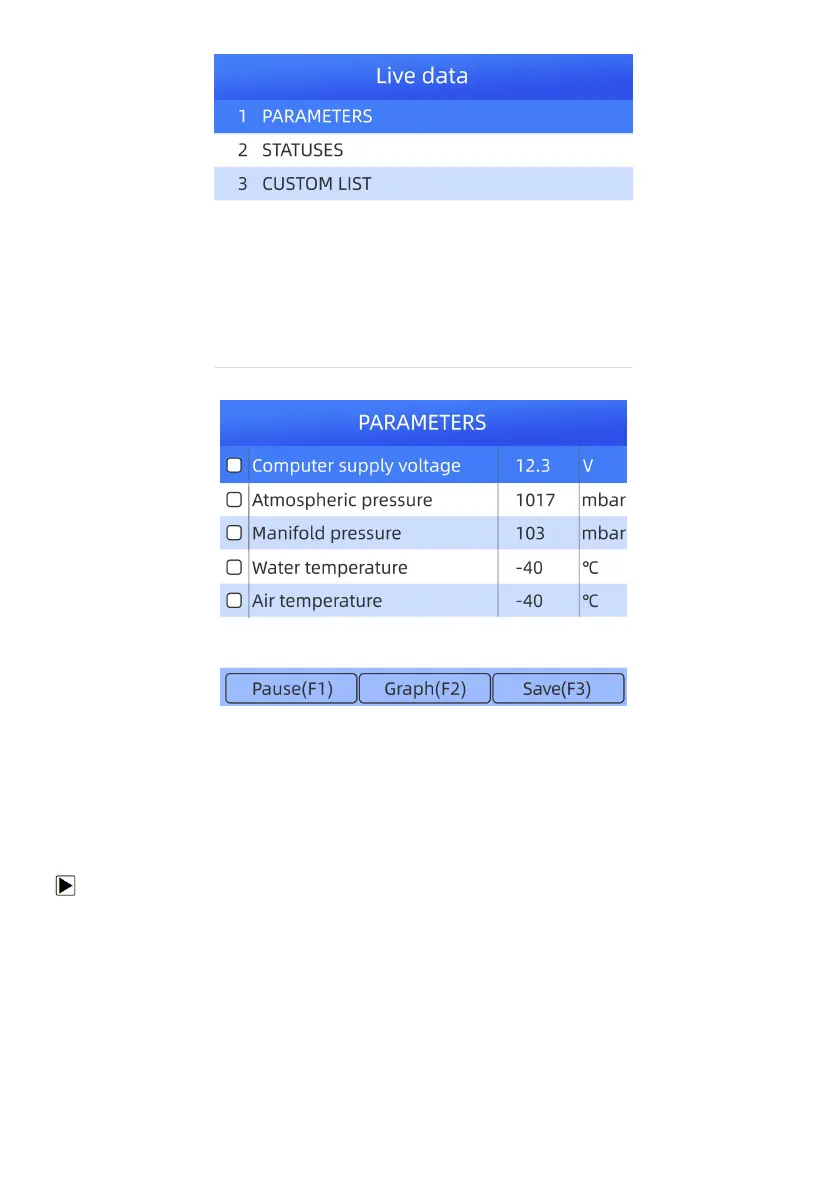
Figure 4-16 Sample Function Menu Screen
Figure 4-17 Sample live data Information Screen
3. To record the data to memory of the scanner, use the function key SAVE F3, and press Pause F1 to stop
recording.
4. Press the BACK key to return to Function Menu.
4.1.3.5 Custom List
Custom Data List menu lets you to minimize the number of PIDs on the data list and focus on any suspicious or
symptom-specific data parameters.
To create a custom data list:
1. Select Custom List from the menu and press the ENTER key.



 To Next Page