19
NT530 Plus User’s Manual_English_V1.03
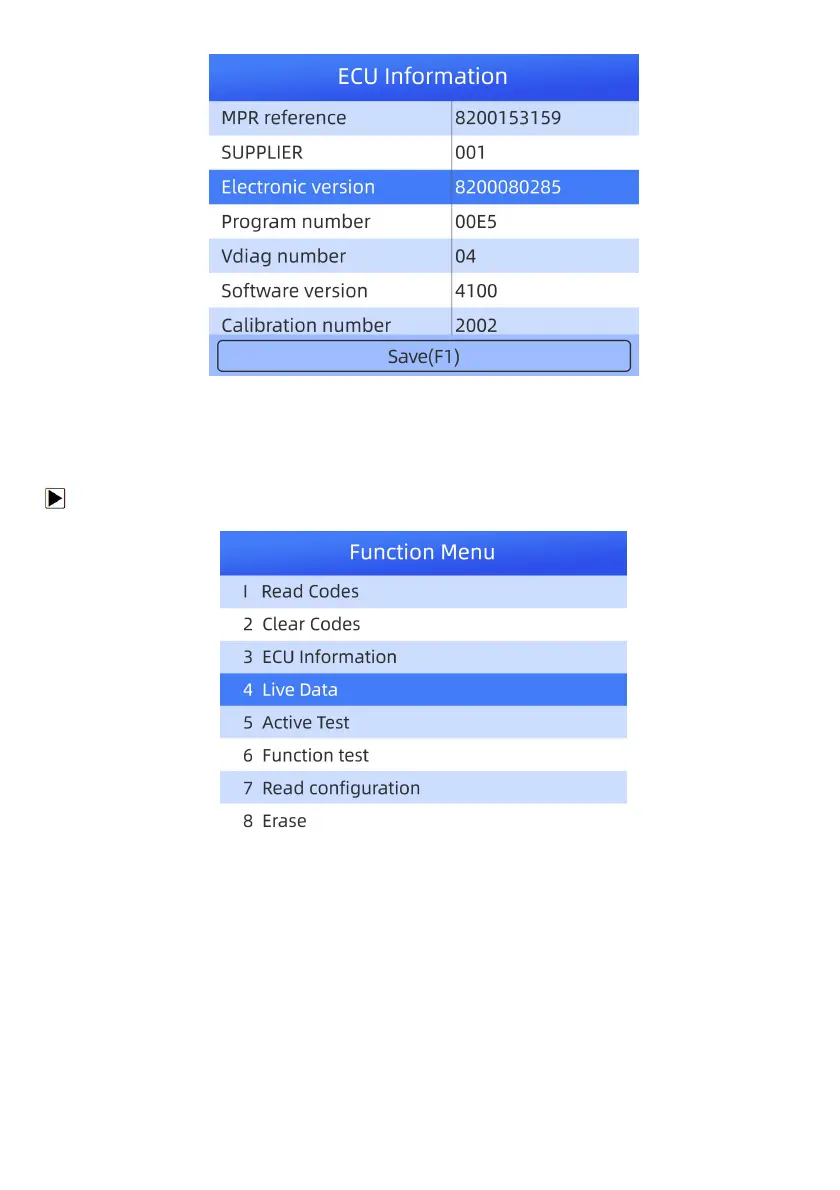
Figure 4-14 Sample ECU Information Screen
3. Press function key Save to store ECU information. Or use the BACK key to exit.
4.1.3.4 Live Data
Live Data menu lets you view and record real time PID data from a selected vehicle electronic control module.
To view live PID data:
1. Scroll with the arrow keys to highlight Live Data from the menu and press the ENTER key.
Figure 4-15 Sample Function Menu Screen
2. Press the ENTER key to view live data.



 To Next Page