32
NT530 Plus User’s Manual_English_V1.03
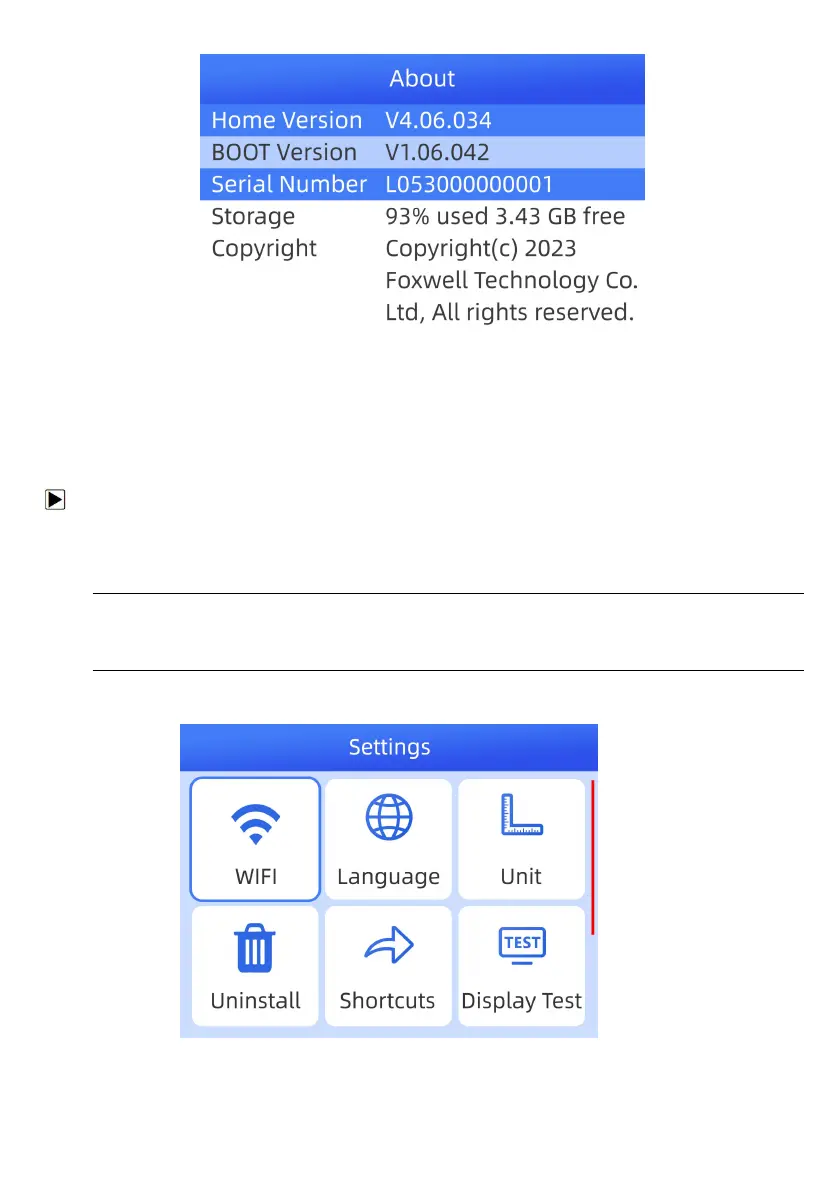
Figure 6-12 Sample Tool Information Screen
3. Press the Back key to exit.
7 Update
To update scanner, you need the following tools:
● The scan tool
● Available WIFI service
● power supply with USB ports or diagnostic cable
NOTE
Before updating, please make sure your network works correctly.
Before updating, please make sure you have already created a Foxwell ID.
Before updating, please make sure your scanner is turned on.
1.Enter Update and select an avaliable WIFI to connect.
Figure 7-1 Sample WIFI Screen



 To Next Page