40
NT530 Plus User’s Manual_English_V1.03
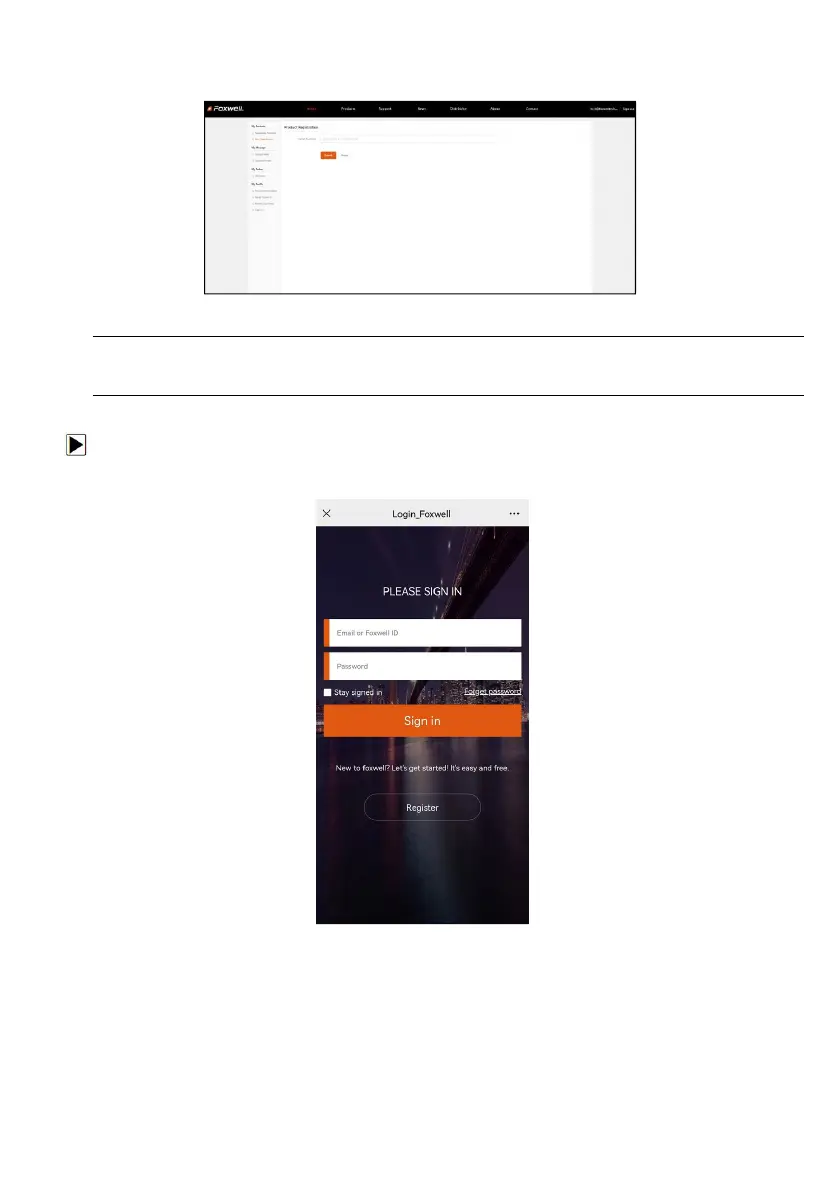
3. To register a product, please click My Products>New Registration. Input correct serial number and click the
Submit button to complete product registration. Please repeat the process if you have more products.
Figure 9-14 Sample New Product Registration Screen
NOTE
To check the serial number of a device, please boot it up, and select Setting>About. The serial number is
right on the About page. You can also find the serial number on the back of main unit or Warranty Card.
9.2.2 Register Product by Scanning QR Code
To register product by scanning QR code:
1. Enter Update and connect WIFI, then scan the QR code to register to sign in and finish Product
Registeration.
Figure 9-15 Sample Foxwell ID Sign in Screen
2. When log in successfully, input correct serial number and click the Submit button to complete product
registration.



 To Next Page