38
NT530 Plus User’s Manual_English_V1.03
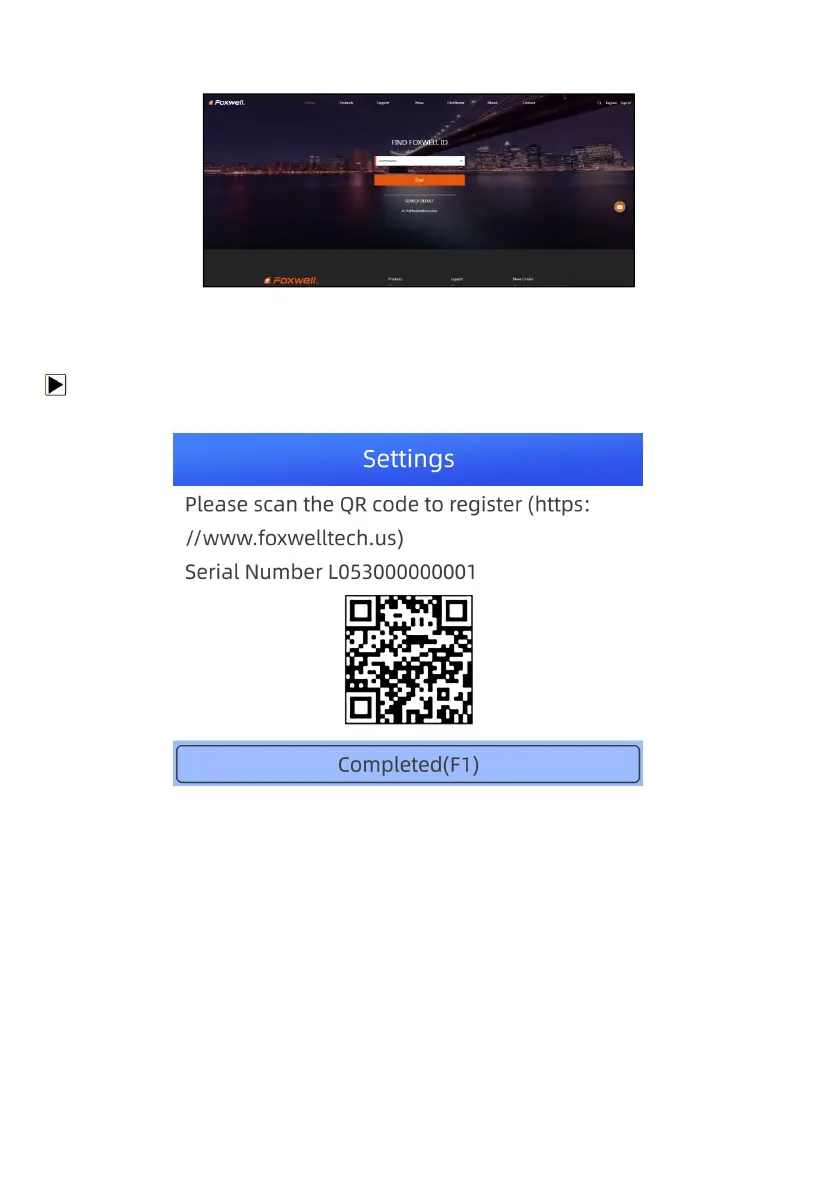
9. Your Registered email or Foxwell ID will appear under SEARCH RESULT.
Figure 10-9 Sample FOXWELL Search Result Screen
Figure 9-9 Sample FOXWELL Search Result Screen
9.1.2 Register by Scanning QR Code
You are also allowed to register and create a Foxwell ID by scanning QR code.
To register by scanning QR code:
1. Enter Update and connect WIFI, then scan the QR code to register.
Figure 9-10 Sample FoxAssist Installation Screen
2. Scan the QR code and enter Rigister webpage. Enter your own email address and click “Send code” to find
the verification code in your mailbox . Create a unique password, confirm password and then click “Free
registration” to complete.



 To Next Page