37
NT530 Plus User’s Manual_English_V1.03
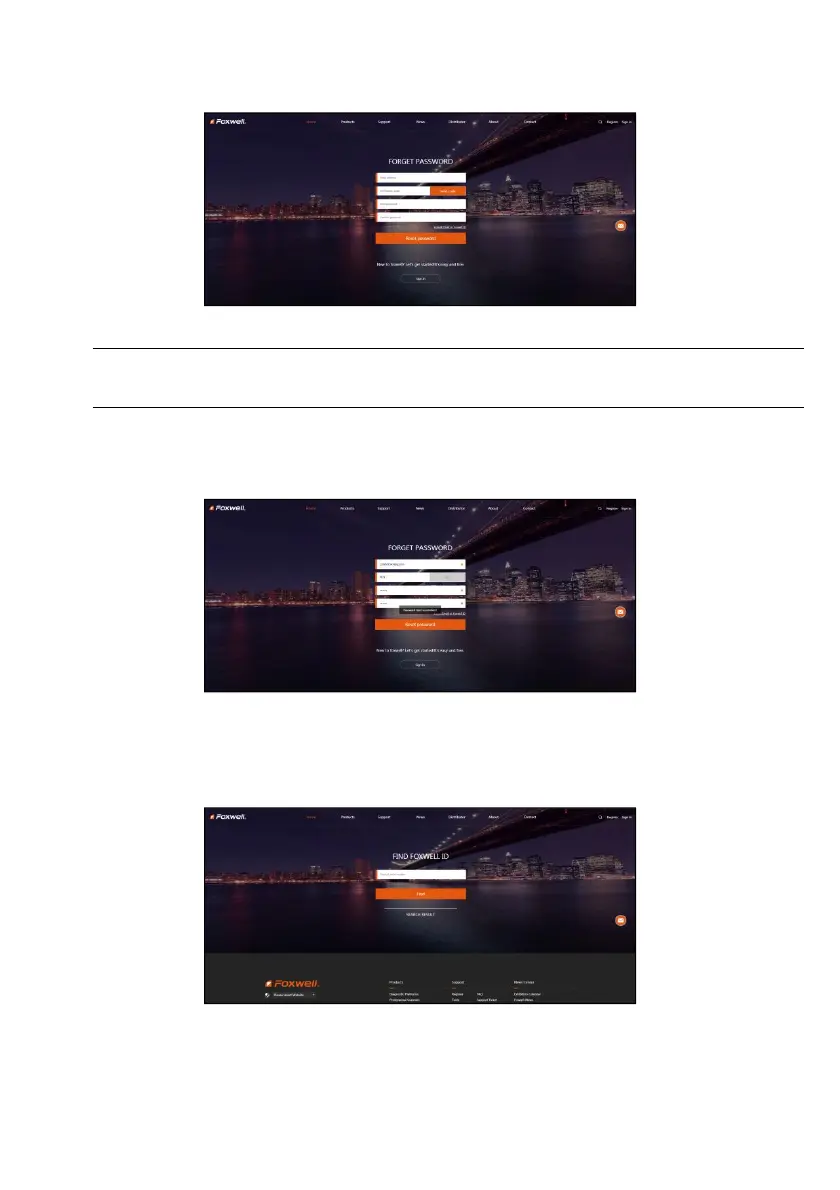
6. If you forget your password, just click Sign in at the top right of the website, then click Forget password,
You are required to input your registered email address, verification code, new password and confirmed
password, click Reset password.
Figure 9-6 Sample User ID and/or Password Retrieve Screen
IMPORTANT
Before enter new password or confirm password, please enter the correct Verification Code in your
registered email.
7. A Password reset succeeded message will appear if you rest password successfully.
Now you are able to log in with your ID and the new password. If you want to change the password, please
sign in with your user name and password, then select My Profile/Reset Password.
Figure 9-7 Sample Password Reset Succeeded Screen
8. If you forget your email or Foxwell ID, just click Sign in at the top right of the website, then click Forgot
password, and click Forget Email or Foxwell ID. You are required to input your registered serial number.
Figure 9-8 Sample Product Serial Number Required Screen



 To Next Page