22
NT530 Plus User’s Manual_English_V1.03
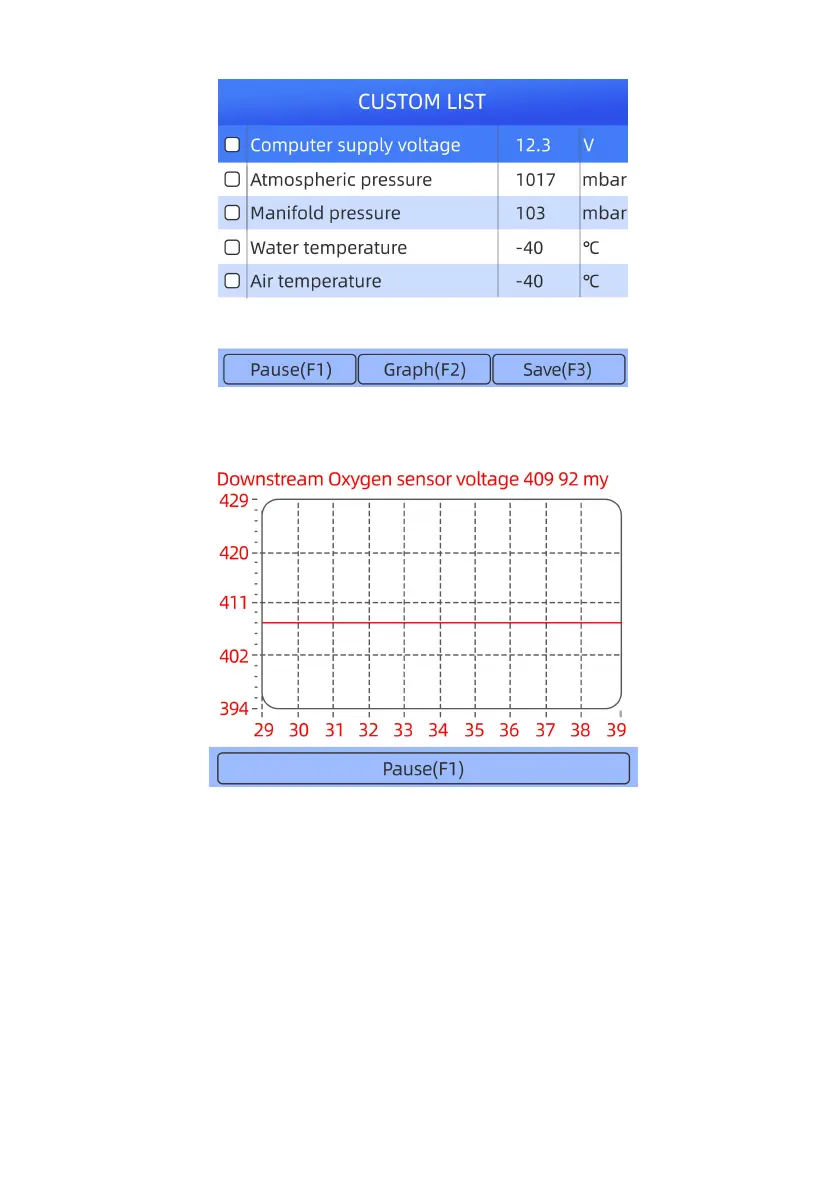
3. When finished selection, use the function key OK to display selected items.
Figure 4-21 Sample Data stream Screen
4. Use up and down arrow key to select line. If Graph is highlighted, it indicates graphing is available for the
selected line. Press the function key Graph to display the PID graph.
Figure 4-22 Sample Data stream Screen



 To Next Page