PostBase mailing system with Dynamic Scale
18
Step 4: Turning on the PostBase
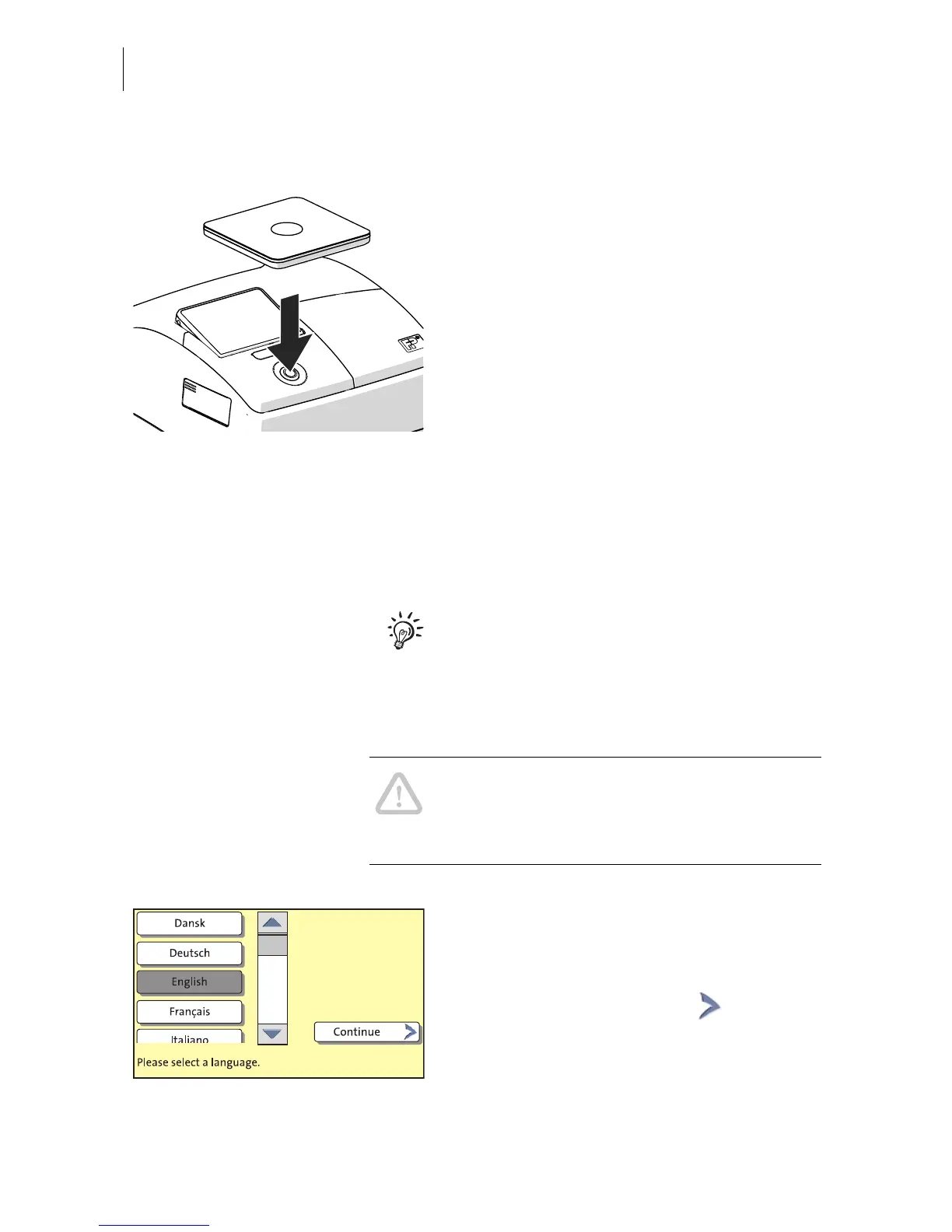
• Press the PostBase button.
After turning on, the button lights up blue.
The PostBase initially performs a self-test.
The display lighting subsequently switches
on and the installation procedure starts.
Step 5: Installing the PostBase
The PostBase will guide you step-by-step
through the installation procedure. Simply
follow the instructions on the display.
The chapter “The basics of operation” in the
First Steps operator manual, which you
received together with the franking machine,
contains basic information on the use of the
display touch function and the operation.
Caution! During the course of installation,
the PostBase may start up multiple times. Do
not disconnect the PostBase from the power
supply!
Language
• Press the button with the desired
language.
• Confirm with the C
ONTINUE button and
resume the installation procedure.



 To Next Page