PostBase mailing system with Dynamic Scale
36
4.4 Adding letters to the stack and franking
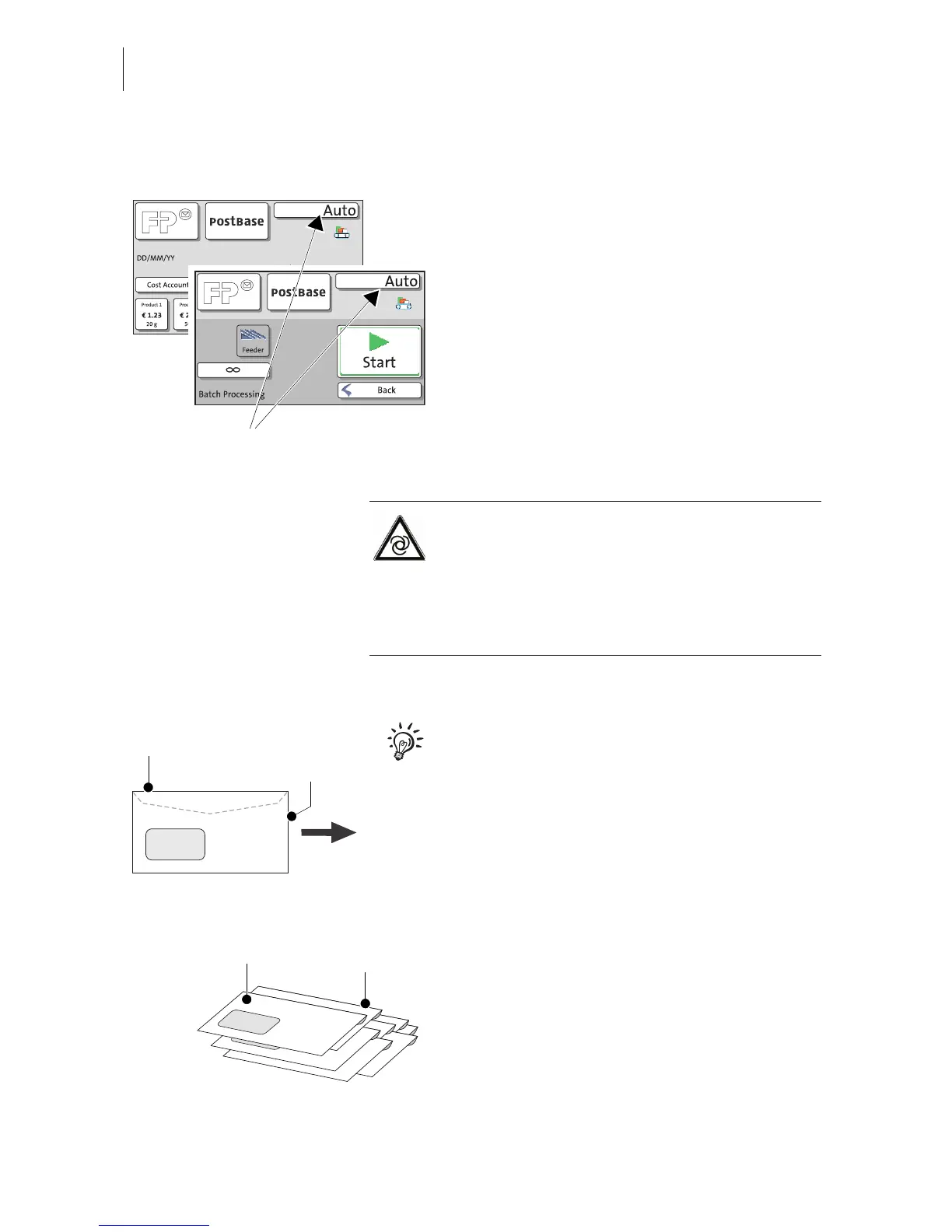
If the desired product is set and the PostBase
displays the postage or Auto, you can insert
mail pieces for franking.
You can start processing from the Home
screen or from the pop-up window “Batch
Processing”.
Warning: automatic start-up!
If you place a letter or letter stack in the light
barrier of the Ramp plus, the letter transport
will start automatically after a brief waiting
time: The transport elements (rollers and
conveyor belts) move. Do not be startled.
Preparing letter stacks
The illustration on the left explains the terms
used in the following for aligning the letters.
• Organise the letters in the stack:
– Side to be printed (address side) faces
up on the stack.
– Envelope flap on the rear.
– Fold seam along the top edge of the
letter.
The PostBase is ready to frank,
dynamic weighing is active



 To Next Page