Home
FP
Digital Mailing system
PostBase
Operator's Manual And Parts List
Page 23 (Step 6: Turning off the Postbase)
FP PostBase - Step 6: Turning off the Postbase
60 pages
Manual
Save Page as PDF
To Next Page
To Next Page
To Previous Page
To Previous Page
Loading...
Installation and commissioning
23
Step
6:
T
urning off the P
ostBas
e
•
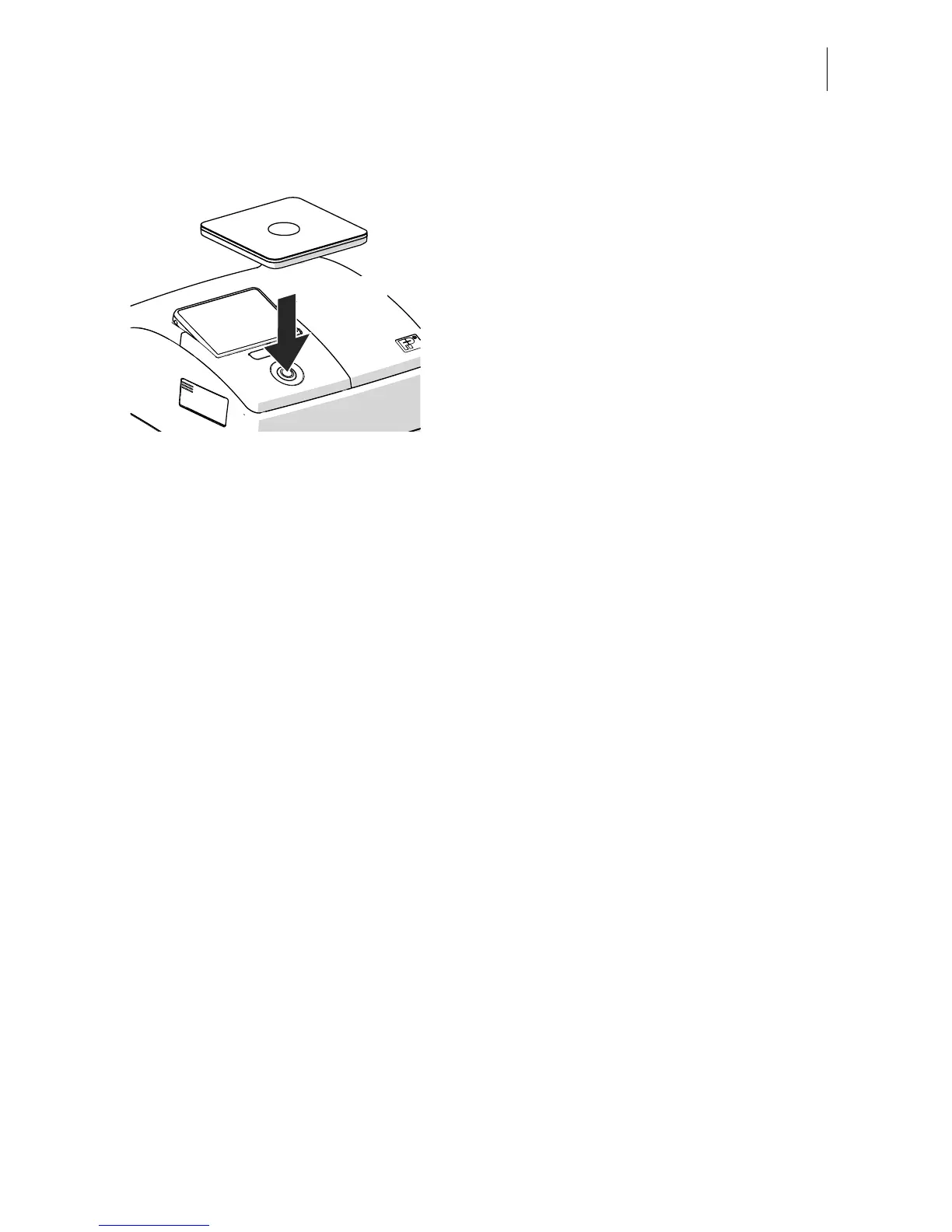
Press and hold the
PostBase bu
tton for
three seconds
.
The PostBase ends all curre
nt actions and
then turns itself off. The button and display
lighting are deactivated.
3
seconds
22
24
Table of Contents
Main Page
Default Chapter
2
About this Operator Manual
2
Table of Contents
3
1 Safety Tips
4
2 Short Description
6
Things Worth Knowing about the Postbase Mailing System with Dynamic Scale
6
Postbase Franking Machine - Overview
8
Postbase Dynamic Scale - Overview
10
Postbase Feeder Plus - Overview
11
3 Installation and Commissioning
13
Step 1: Unpacking and Checking the Contents of the Package
13
Step 2: Assembling the Postbase
15
Step 3: Connecting Postbase
17
Step 4: Turning on the Postbase
18
Step 5: Installing the Postbase
18
Step 6: Turning off the Postbase
23
Step 7: Setting up the Mailing System
24
Step 8: Connecting the Dynamic Scale and Feeder Plus
26
Step 9: Filling the Sealant Tank with Sealing Liquid
27
Step 10: Turning on the Postbase Mailing System
30
4 Franking
31
Preparations
31
Setting a Franking Imprint
34
Setting a Product for Dynamic Weighing
35
Adding Letters to the Stack and Franking
36
5 Maintenance and Care
39
Cleaning the Postbase Mailing System with Dynamic Scale
39
Cleaning the Sensors
40
6 Tips for Self-Help in Case of Faults
44
Error Messages and Help
44
Remedying a Letter Jam
48
Appendix Technical Data
51
Declaration of Conformity
53
Graphical Symbols, Safety Signs and Product Safety Labels
54
Customer Support / Warranty
59
Other manuals for FP PostBase
Operator's Manual
176 pages
Installation Guide
16 pages
Connectivity Guideline
18 pages
Related product manuals
FP PostBase Vision
196 pages
FP PostBase One
204 pages
FP Postbase Mini
108 pages
FP PostBase Fusion
209 pages



 To Next Page