PostBase mailing system with Dynamic Scale
22
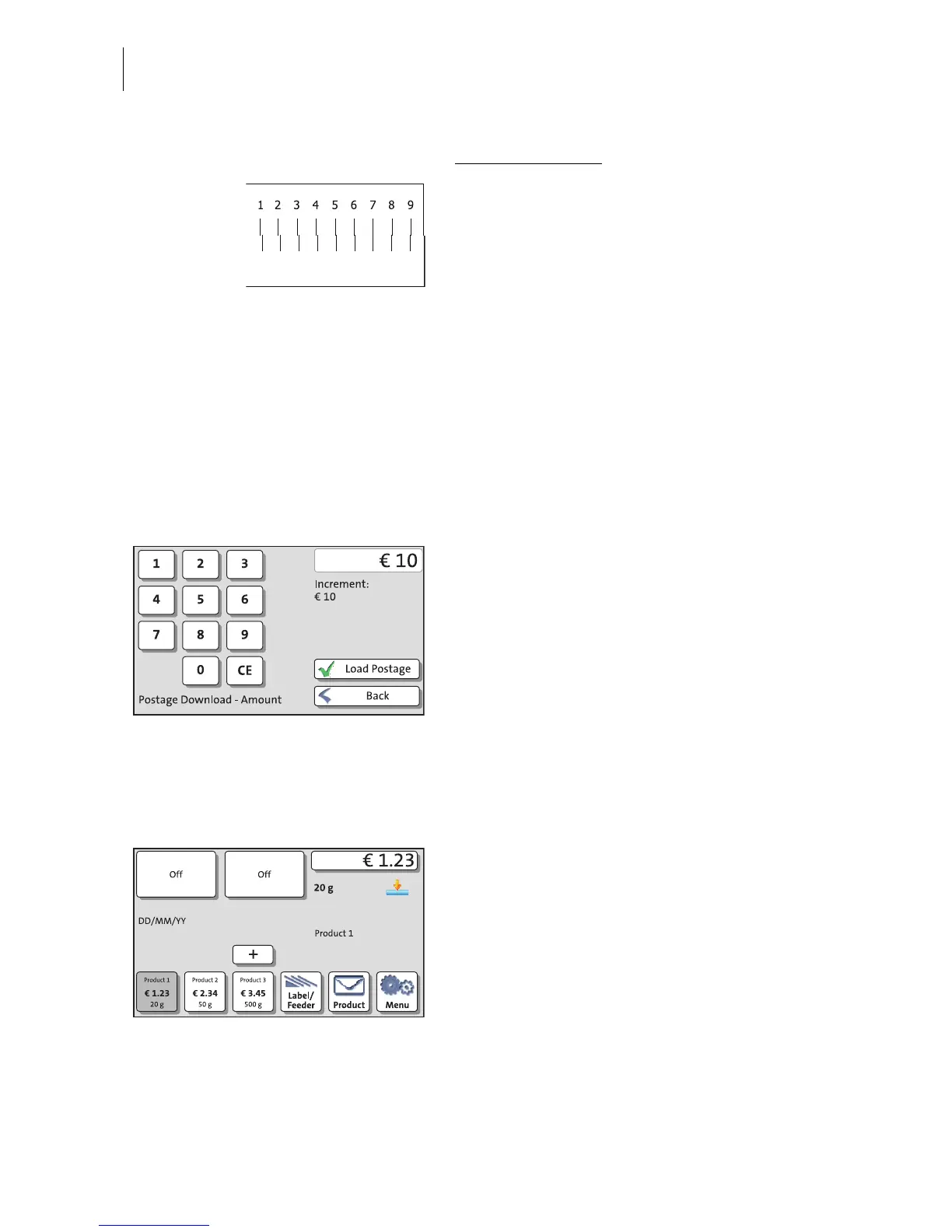
Vertical alignment:
• Type the number where the vertical partial
lines are as exactly above each other as
possible..
In the example, this is number “7”.
(If necessary: Press CE to clear the dis-
played number.)
• Confirm with C
ONTINUE.
Create and check a new test print • Place an empty envelope for another test
print.
• Assess the new test print. If necessary,
repeat the alignment procedure until a cor-
rect alignment has been obtained.
Contact with the data centre / loading
postage
In order to frank with the PostBase, the Post-
Base must have corresponding postage
credit. This requires contact with the data
centre. The procedure, possible top-up
amounts and the postage cost billing all
depend on the postage conditions within the
respective country.
• Follow the instructions on the display.
Home screen (example) Installation complete
If the PostBase displays the Home screen,
the franking machine installation has been
completed successfully.



 To Next Page