Franking
37
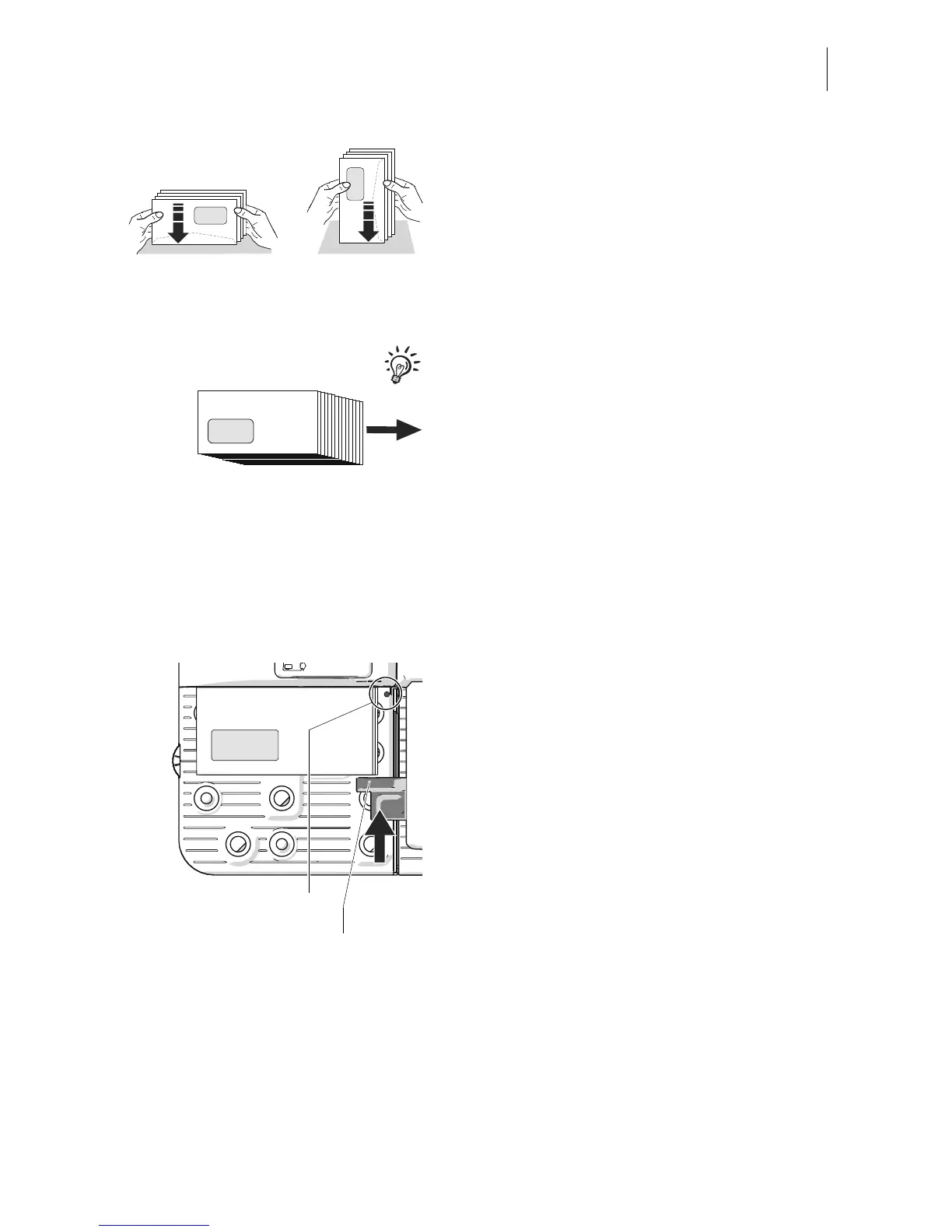
• Align top edges flush:
To do so, position the letter stack with the
letter top edges on a level surface, loosen
up and jog to align.
• Align the front edges in the same way.
Recommendation for optimum separation:
Stagger the letter stack in the running direc-
tion, so that the bottom letter is furthest for-
wards.
Positioning the letter stack – starting
processing
• Lift the press-down bar. You can pivot the
press-down bar up fully and to the left, into
the retaining position.
• Position the prepared letter stack at the
Ramp plus as follows:
– Do not lay in the light barrier (letter
detection).
– Side to be printed (address side)
facing up.
– The letter top edges lie on the contact
area.
– Permissible stack height not exceeded.
The max marking on the contact area
indicates the permissible stack height.
• Lightly slide the letter guide against the let-
ter stack and release. The letter guide
automatically springs back slightly, and
prevents the letters from jamming in this
way.



 To Next Page