Franking
33
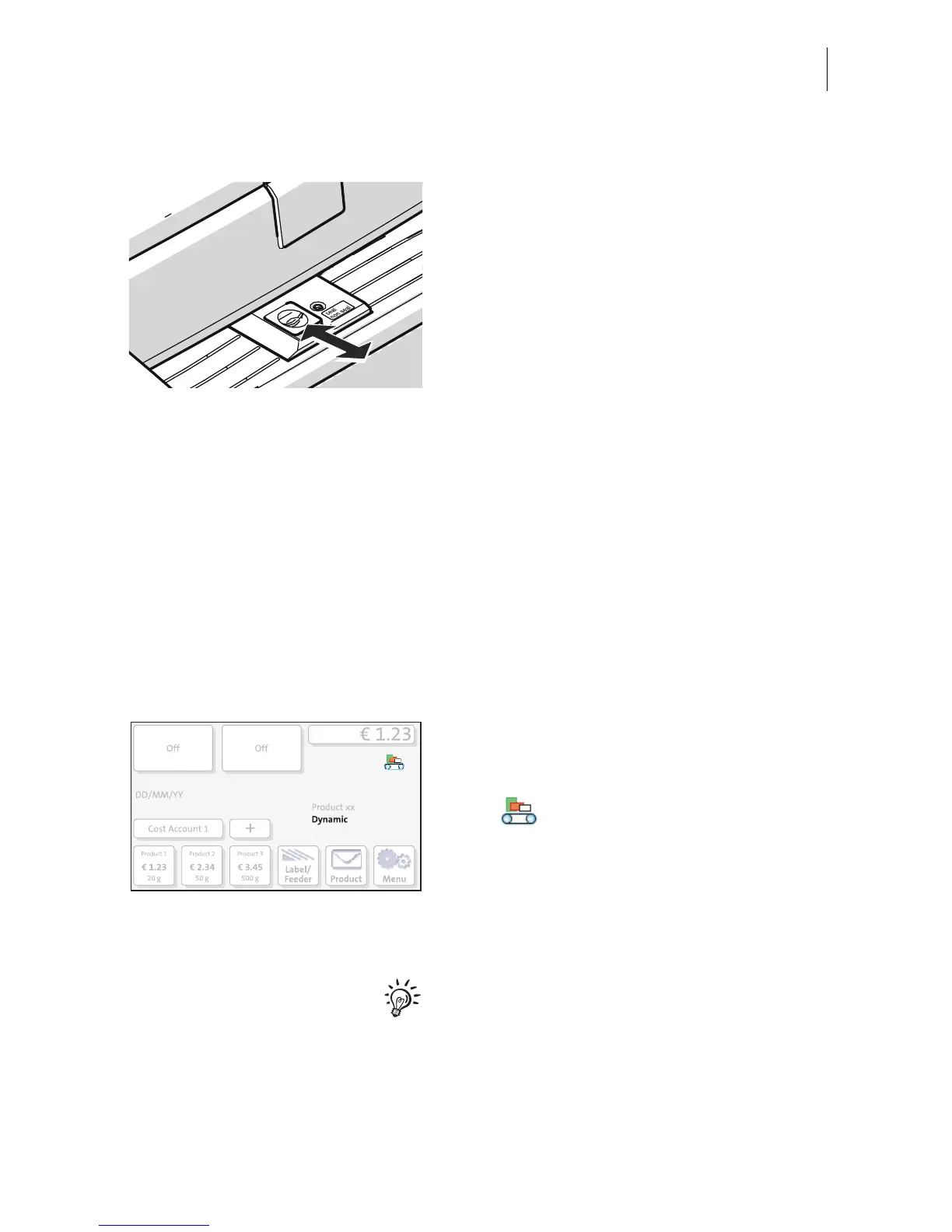
Sealing function ON / OFF Turning the sealing function on / off
If the letters (up to a max. thickness of 7 mm /
0.3") are to be sealed:
• Set the seal / non seal switch to the rear, to
the seal position.
The sealing function is turned on.
The blue LED light below the sealant tank
flap lights up brightly.
If the letters are not to be sealed, or have
already been sealed:
• Set the seal / non seal switch to the front,
to the non seal position.
The sealing function is turned off.
The blue LED light below the sealant tank
flap lights up dimly.
Dynamic weighing YES / NO Checking the status of the Dynamic Scale
If you wish to use the format detection and
weighing function of the Dynamic Scale:
• Make sure that the ‘dynamic weighing’
function is active.
The current weighing mode is indicated in the
Home screen.
Dynamic weighing is active, if
– the symbol is displayed as the weigh-
ing mode
– the list of selected mailing data contains
the setting “Dynamic”.
Otherwise, the Dynamic Scale only facilitates
letter transport.
To activate the dynamic weighing function,
please read chapter 4.3.



 To Next Page