Maintenance and care
43
On the franking machine
Caution! The drawer on the franking machine
is locked while the print system is in the print-
ing position. Do not attempt to open the
drawer forcefully. Wait until the print system
is back in the standby position. You can now
pull out the drawer.
Caution! Ink residue may be present on the
drawer. Make sure you do not get ink on
yourself, or stain your clothing and other
objects. Place the drawer down on a base
surface.
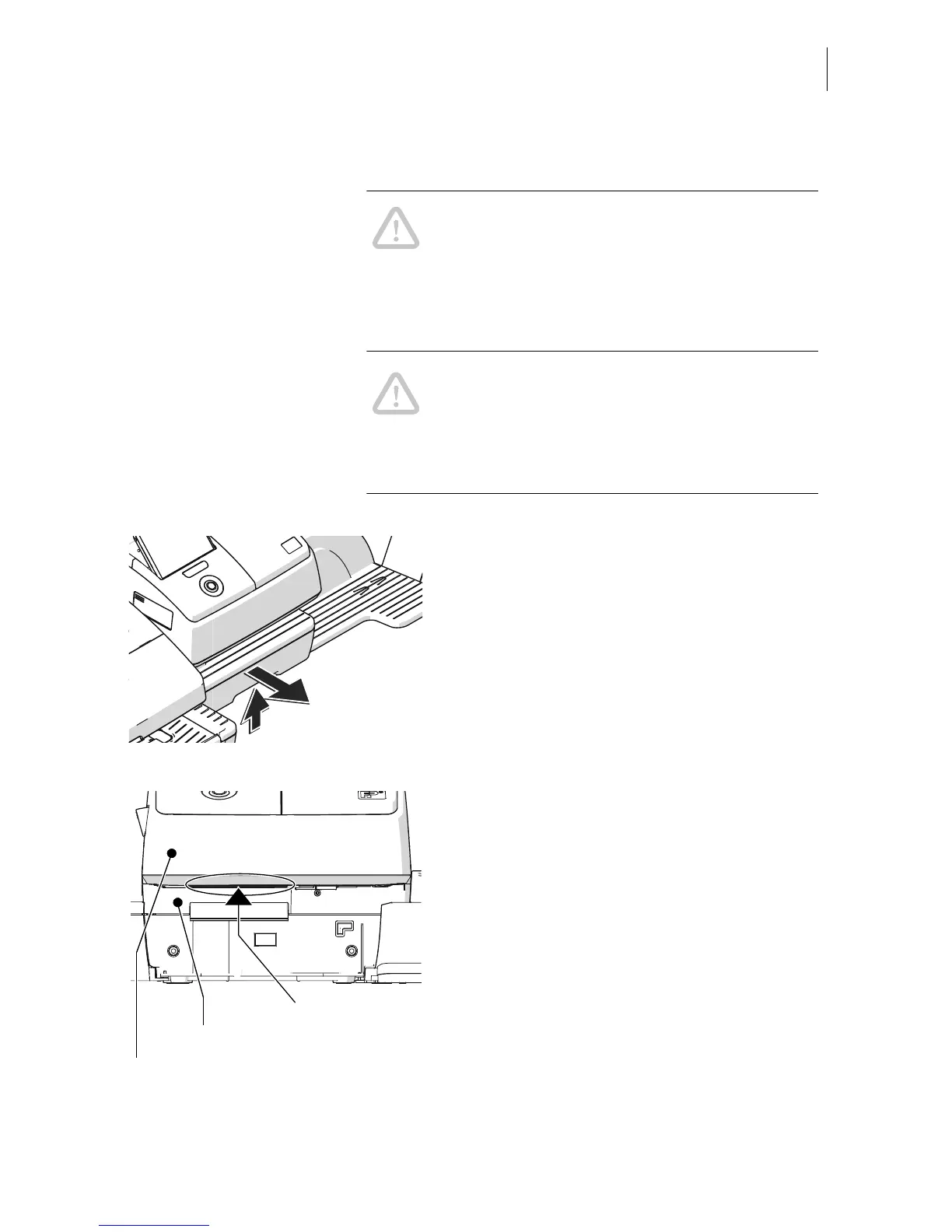
• Unlock the drawer (push the drawer latch
lever upwards) and pull it to the front, out of
the housing.
Franking machine without drawer The sensors are now accessible from below.
They are located right inside the bottom sec-
tion of the housing.
• Remove the dust from the sensor area with
a few puffs of the compressed air spray.
• Slide the drawer in to the stop. Make sure
that the drawer latches correctly on both
sides.
You can turn on the mailing system again.



 To Next Page