•
Engine Maintenance
•
Transmission Prognostics
•
Maintenance System
The ’Alerts’ screen, shown in
Fig. 3.12, gives access
to all active notices, cautions, and warnings.
Fault codes are color-coded to indicate the severity
of the fault. Red indicates a condition that may pose
a threat to control of the vehicle. Amber indicates a
condition that may result in damage to vehicle
components or the derating of engine power. Blue,
grey, and green are used to indicate information on a
component’s status.
The ’Diagnostics’ screen, shown in
Fig. 3.13,
display’s active diagnostic trouble codes and
available software updates.
The ’Engine Maintenance’ screen, shown in
Fig. 3.14, displays the current engine hours.
The ’Maintenance System’ screens give information
about when maintenance is required. See the
"Instruments and Systems: ICUC" in this chapter for
more details.
ICUC User Settings Screens
The ICUC Setting Options List screens, shown in
Fig. 3.15, allow the driver to choose the following:
•
Dash Brightness
f61160804/25/2019
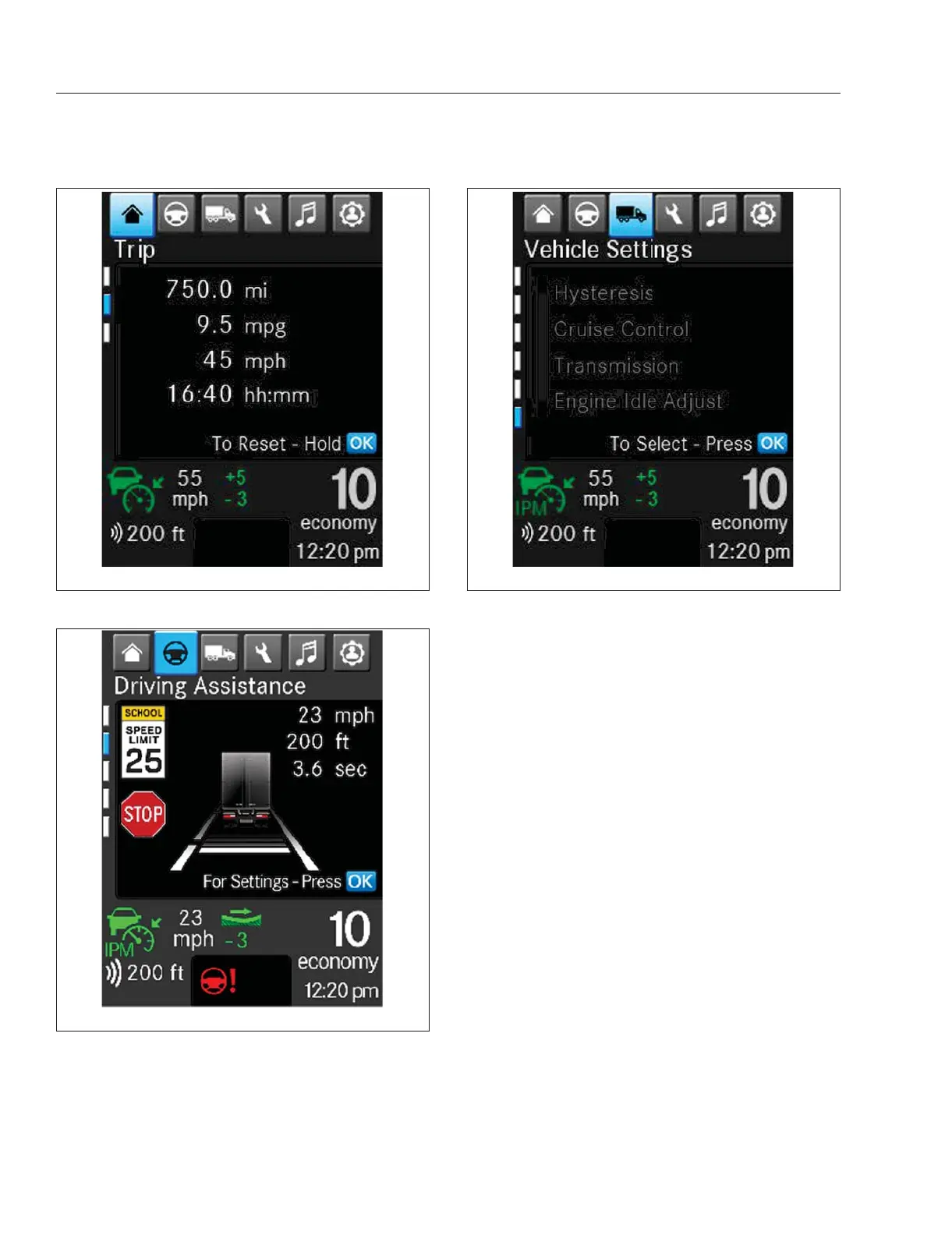
Fig. 3.9, Basic Information: Trip Report
f61161105/18/2020
Fig. 3.10, Drive Time Systems: Driver Assistance
f61162104/25/2019
Fig. 3.11, Vehicle Operations: Vehicle Settings
Instruments
3.7














 To Next Page