FRICK
QUANTUM™ COMPRESSOR CONTROL PANEL S90-010 CS (APR 08)
COMMUNICATIONS SETUP Page 33
Query (Read) Example:
To demonstrate how an address within the Quantum™
may be read, the following test can be performed using
Windows HyperTerminal:
As an example, a Modbus command will be created, and
sent to obtain the actual Discharge Pressure value of a
compressor. Using the address tables found later in this
manual, locate the address for Discharge Pressure. In this
case, it would be Frick
®
Address 135 (decimal). Since this
is the only address we are interested in obtaining the
value of, send the following message:
Look at this message on a more basic level, to understand
how the address that we are requesting is arrived at. We
want to know the actual value of the Discharge Pressure,
Frick
®
Address 135 (decimal).
The first part of the message will be a Colon (:). This
represents a heads up alert that data is coming down the
line.
Any time that a message is sent, all of the Quantum™
panels that are on the Modbus network will become active,
communications wise, once the Colon appears. Next, all
panels will look at the first byte following the Colon ( : ). If
this byte equals the Panel ID # of the particular
Quantum™ being queried, it will immediately finish
reading the remainder of the message. If the byte does not
equal its ID #, the message will be ignored.
In this particular example, we are strictly looking to request
to view a data value, so we will be performing a read
function (03):
135 decimal equals 87 hex. Looking at our example, we
see that we need a H.O. (High Order) address and a L.O.
(Low Order) address. Since all data sent and received is in
ASCII Hex Byte format, we need to look at 87 Hex as the
Low Order portion of the address. The High Order portion
is 00. Now our decimal 135 is formatted as 0087 Hex.
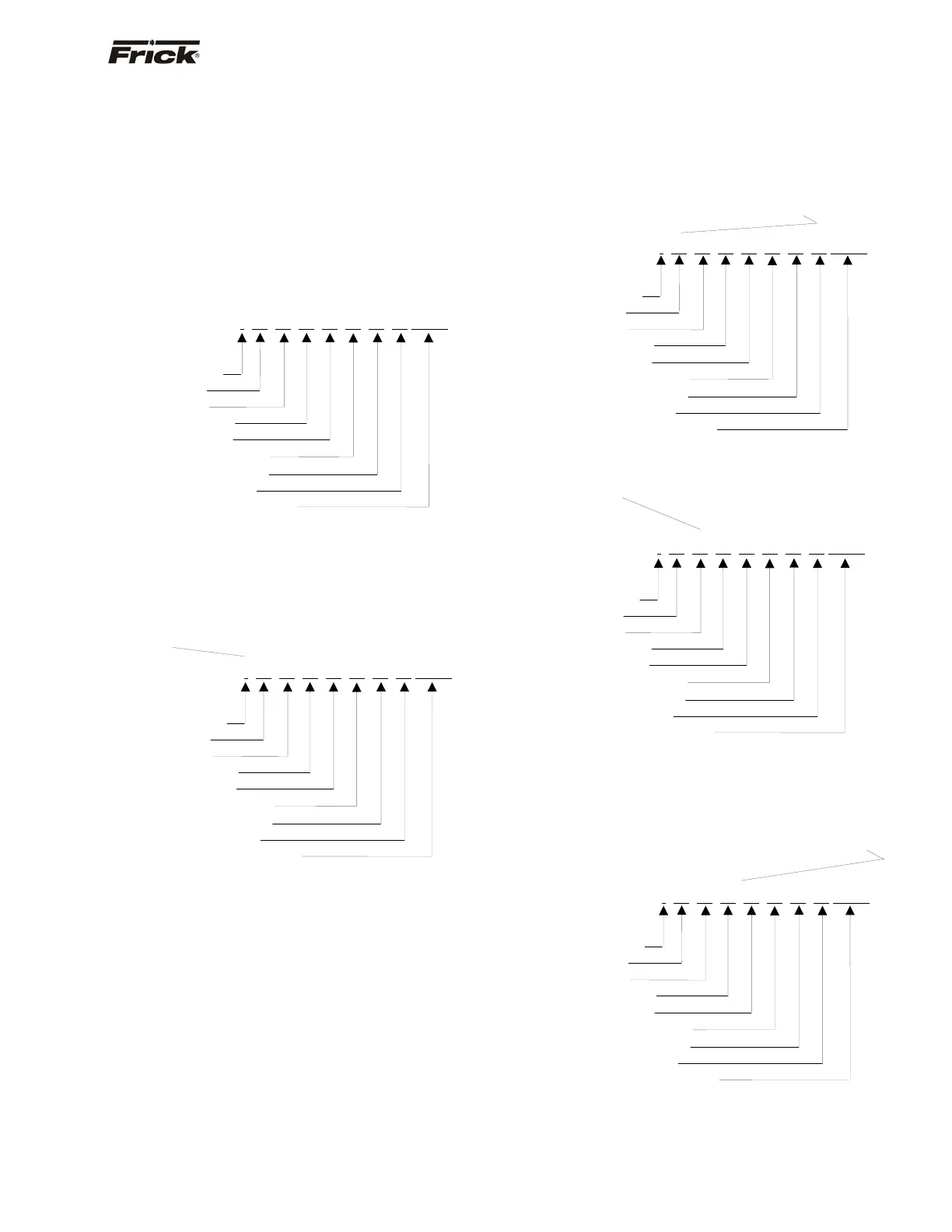
: 01 03 00 87 00 01 74 CRLF
Where:
Start of Message
Quantum™ ID #
Read Function
H.O. address (hex)
L.O. address (hex)
H.O. # of Data Registers
L.O. # of Data Registers
Error Correction Code
Carriage Return – Line Feed
}
: 01 03 00 87 00 01 74 CRLF
Where:
Start of Message
Quantum™ ID #
Read Function
H.O. address (hex)
L.O. address (hex)
H.O. # of Data Registers
L.O. # of Data Registers
Error Correction Code
Carriage Return – Line Feed
}
: 01 03 00 87 00 01 74 CRLF
Where:
Start of Message
Quantum™ ID #
Read Function
H.O. address (hex)
L.O. address (hex)
H.O. # of Data Registers
L.O. # of Data Registers
Error Correction Code
Carriage Return – Line Feed
}
: 01 03 00 87 00 01 74 CRLF
Where:
Start of Message
Quantum™ ID #
Read Function
H.O. address (hex)
L.O. address (hex)
H.O. # of Data Registers
L.O. # of Data Registers
Error Correction Code
Carriage Return – Line Feed
}
: 01 03 00 87 00 01 74 CRLF
Where:
Start of Message
Quantum™ ID #
Read Function
H.O. address (hex)
L.O. address (hex)
H.O. # of Data Registers
L.O. # of Data Registers
Error Correction Code
Carriage Return – Line Feed



 To Next Page