22 PB
OPERATION
Wall Controller Operation
35
Wall Controller Operation
88
ROOM TEMP
SET POINT
AM
PM
F
AUTO FAN
CONTINUOUS
AUTO SPEED
C
CHECK
FILTER
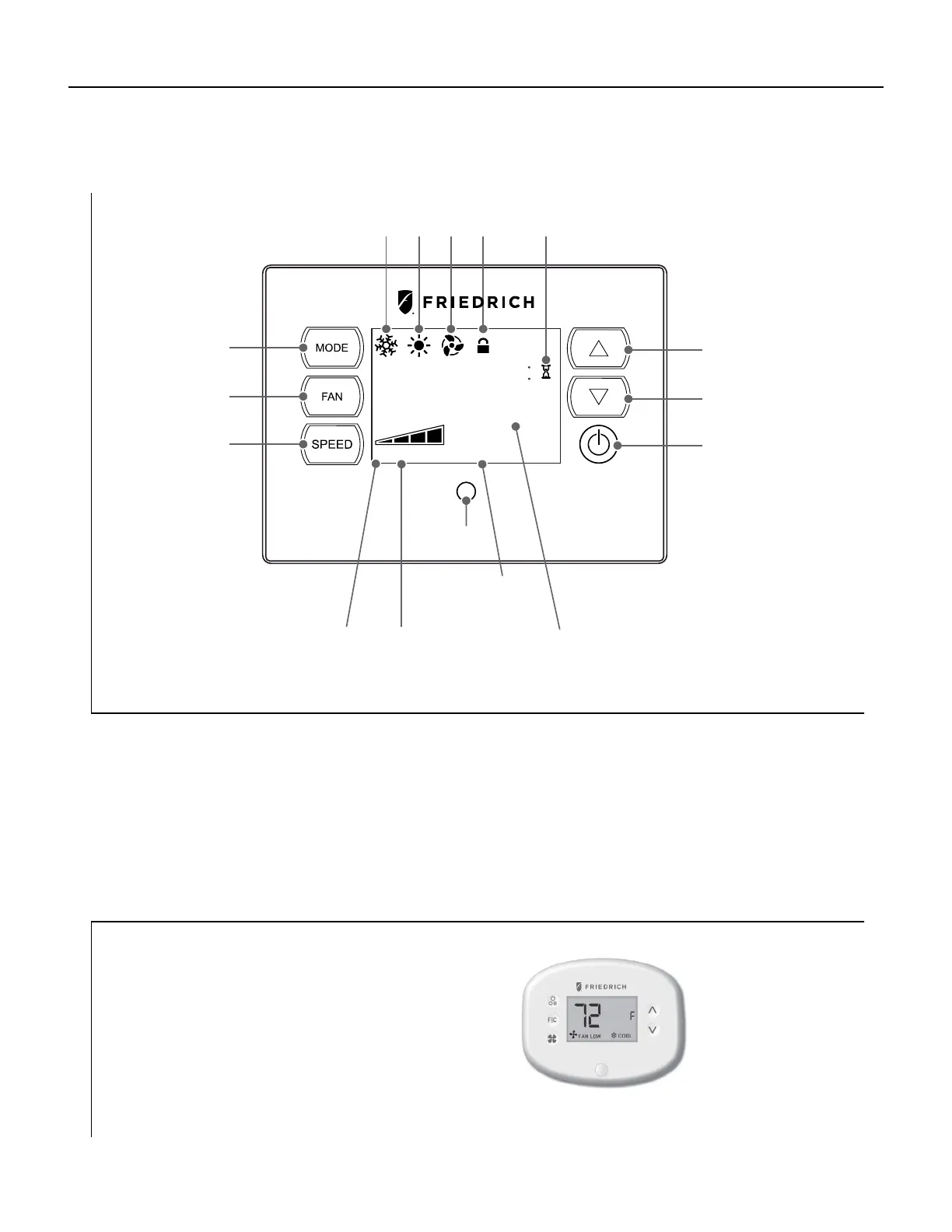
Mode:
Cycles between
Heat, Cool or Fan Only
2 Digits Display
Shows setting for:
-Set point (Temperature)
-Room Temperature
Fan:
Sets fan to either
-cycle automatically
run continuously
Speed:
Sets fan speed
Low, Med, High or Auto
Temperature
Increment ‘Up’
Temperature
Increment ‘Down’
ON/OFF
Turn unit
on/off
Fan Speed
selected fan
speed
Auto Speed
Automatically Selects
Best Fan Cooling Speed
Cool Heat
Wait
Fan
Only
Control
Locked
Proximity
Sensor
Filter
Check/Clean
Push Buttons
There are three control push buttons on each side of the display. Each Push Button illuminates to indicate that the power
is on. The backlight on the Push Buttons will automatically dim to 20% intensity after 15 seconds of inactivity.
Display
The display is a high efciency LCD with a built-in white backlight. The backlight has an automatic two (2) step
dim function. After 15 seconds of inactivity, the display dims to 20% intensity. After an additional 120 seconds, the display
switches off. Touching any button automatically changes the display to full brightness. [Unless the Motion Sensor is
activated.]
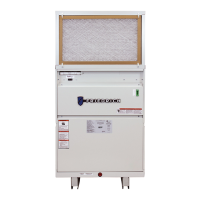
VRPXWC
VRPXEM(W)RT1/2
Energy management wall controller with an
occupancy sensor
WIRED VRPXEMRT2
WIRELESS VRPXEMWRT2
Note: For VRPXEMRT2 and VRPXEMWRT2
please refer to respective Installation and Op-
erations Manuals
VRPXEM(W)RT2



 To Next Page