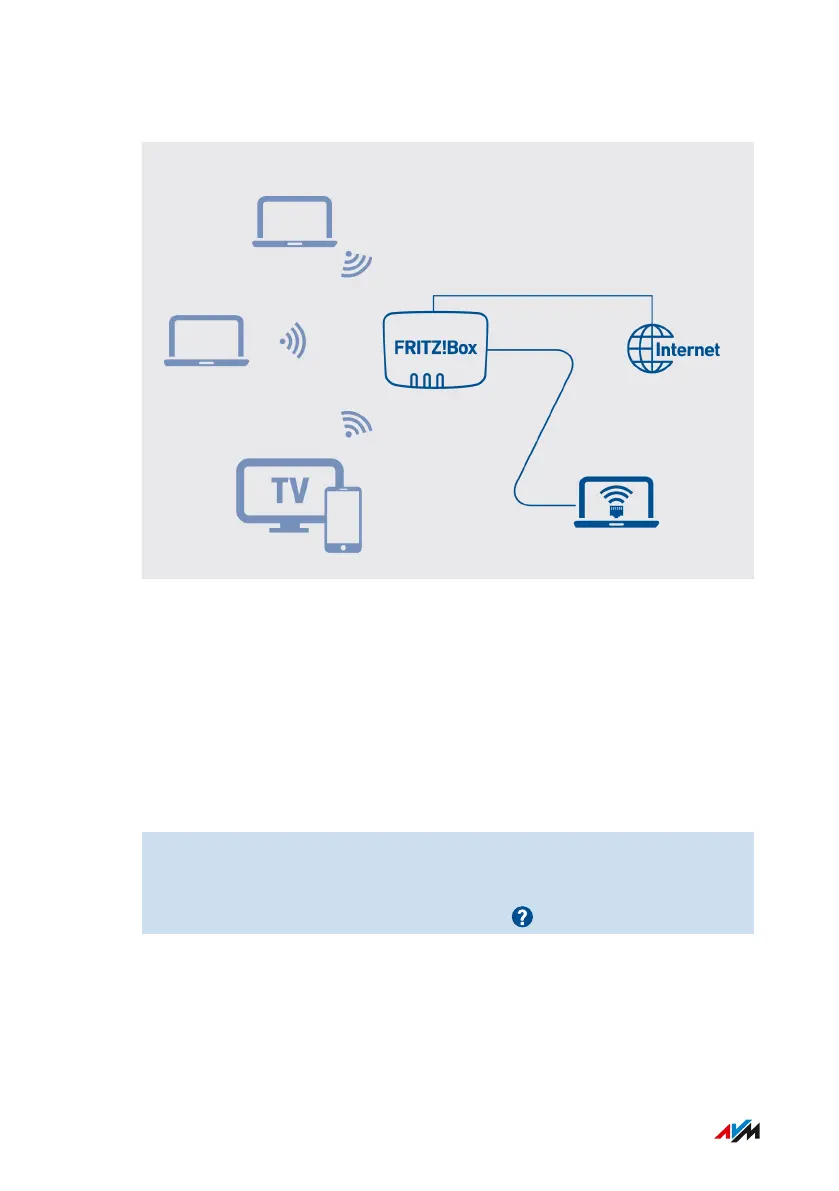
Example Configuration
Requirements
• The FRITZ!Box establishes its own connection to the internet. It is
not configured as an IP client.
• You have a network cable.
Instructions: Configuring LAN Guest Access
1. Open the user interface; see page46.
2. Select “Home Network / Network / Network Settings”.
3. For instructions, open the online help .
FRITZ!Box4040 115
User Interface: Home Network Menu
• • • • • • • • • • • • • • • • • • • • • • • • • • • • • • • • • • • • • • • • • • • • • • • • • • • • • • • • • • • • • • • • • • • • • • • • • • • • • • • • • • • • • • • • • • • • • • • • • • • • • • • •
• • • • • • • • • • • • • • • • • • • • • • • • • • • • • • • • • • • • • • • • • • • • • • • • • • • • • • • • • • • • • • • • • • • • • • • • • • • • • • • • • • • • • • • • • • • • • • • • • • • • • • • •



 To Next Page