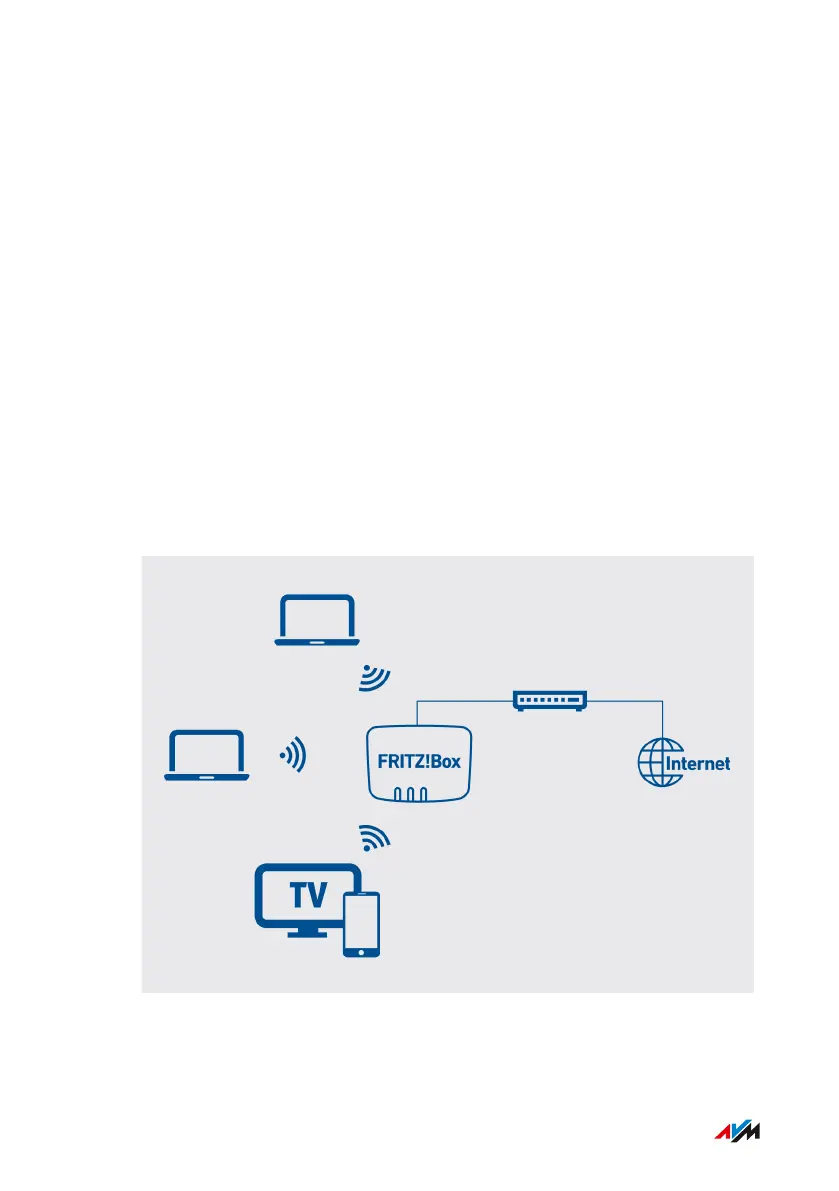
Connecting with the Internet: Via a Cable Modem
Overview
If you have a cable connection with a cable modem, you can connect
the FRITZ!Box to the cable modem, from where it interfaces with the
cable connection. Use a network cable.
Requirements
• A cable modem that is connected to your cable connection
• A network cable (for instance, from the FRITZ!Box package)
• The “WAN” socket is configured for “WAN” operation; see
page112.
Example Configuration
FRITZ!Box4040 32
Connecting
• • • • • • • • • • • • • • • • • • • • • • • • • • • • • • • • • • • • • • • • • • • • • • • • • • • • • • • • • • • • • • • • • • • • • • • • • • • • • • • • • • • • • • • • • • • • • • • • • • • • • • • •
• • • • • • • • • • • • • • • • • • • • • • • • • • • • • • • • • • • • • • • • • • • • • • • • • • • • • • • • • • • • • • • • • • • • • • • • • • • • • • • • • • • • • • • • • • • • • • • • • • • • • • • •



 To Next Page