Logging Out of the User Interface
Overview
Session IDs are assigned for access to the FRITZ!Box user interface.
The use of session IDs offers effective protection from attacks from the
internet in which attackers send unauthorized data to a web applica-
tion. For security reasons, we therefore recommend that you log out of
the user interface before surfing the web.
Use push services to have yourself notified each time someone logs
into or out of your FRITZ!Box; see page140.
Automatic Logout when Idle
If you have not logged out of the FRITZ!Box user interface, and have not
been active in the browser for 20minutes, you will be logged out auto-
matically.
Instructions: Manual Logout
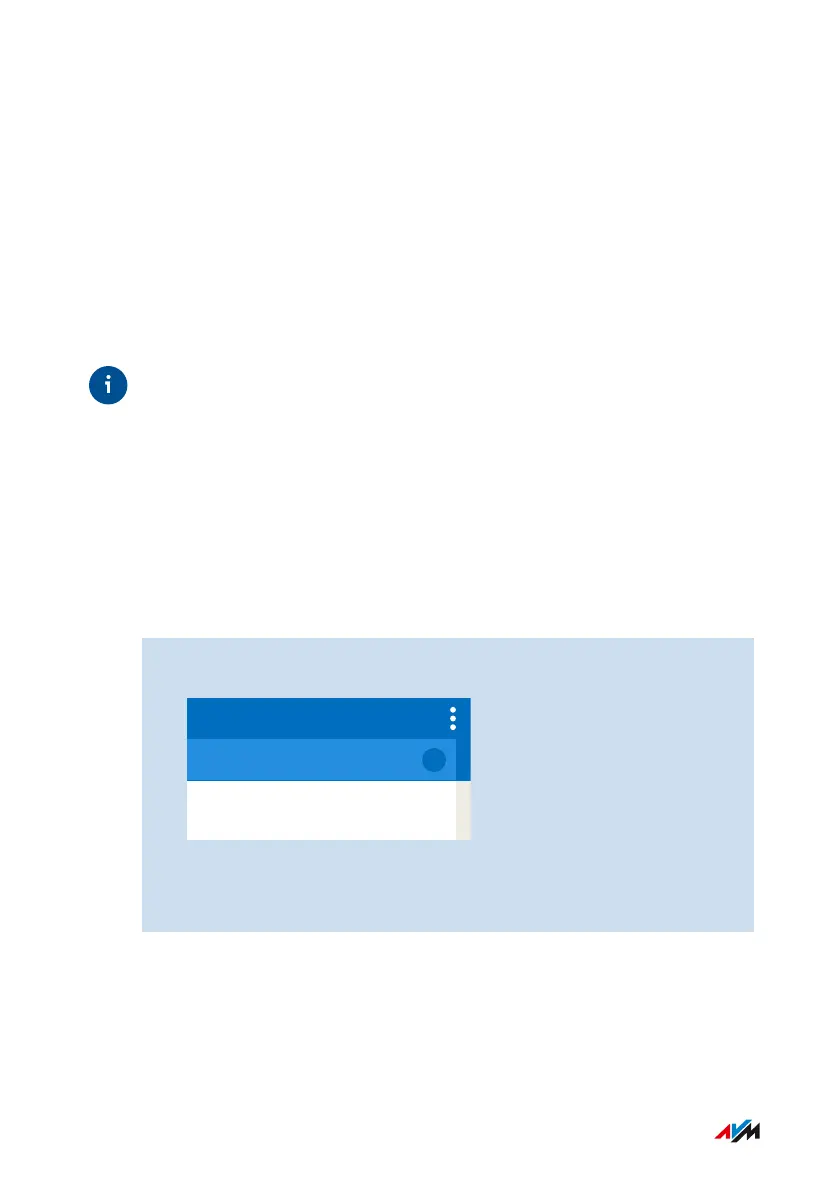
1. Click on the menu with the three dots in the header of the
FRITZ!Box user interface:
2. Click on “Log Off” in the menu.
You have logged out of the FRITZ!Box user interface.
FRITZ!Box4040 51
User Interface
• • • • • • • • • • • • • • • • • • • • • • • • • • • • • • • • • • • • • • • • • • • • • • • • • • • • • • • • • • • • • • • • • • • • • • • • • • • • • • • • • • • • • • • • • • • • • • • • • • • • • • • •
• • • • • • • • • • • • • • • • • • • • • • • • • • • • • • • • • • • • • • • • • • • • • • • • • • • • • • • • • • • • • • • • • • • • • • • • • • • • • • • • • • • • • • • • • • • • • • • • • • • • • • • •



 To Next Page