Configuring VPN Remote Access
Overview
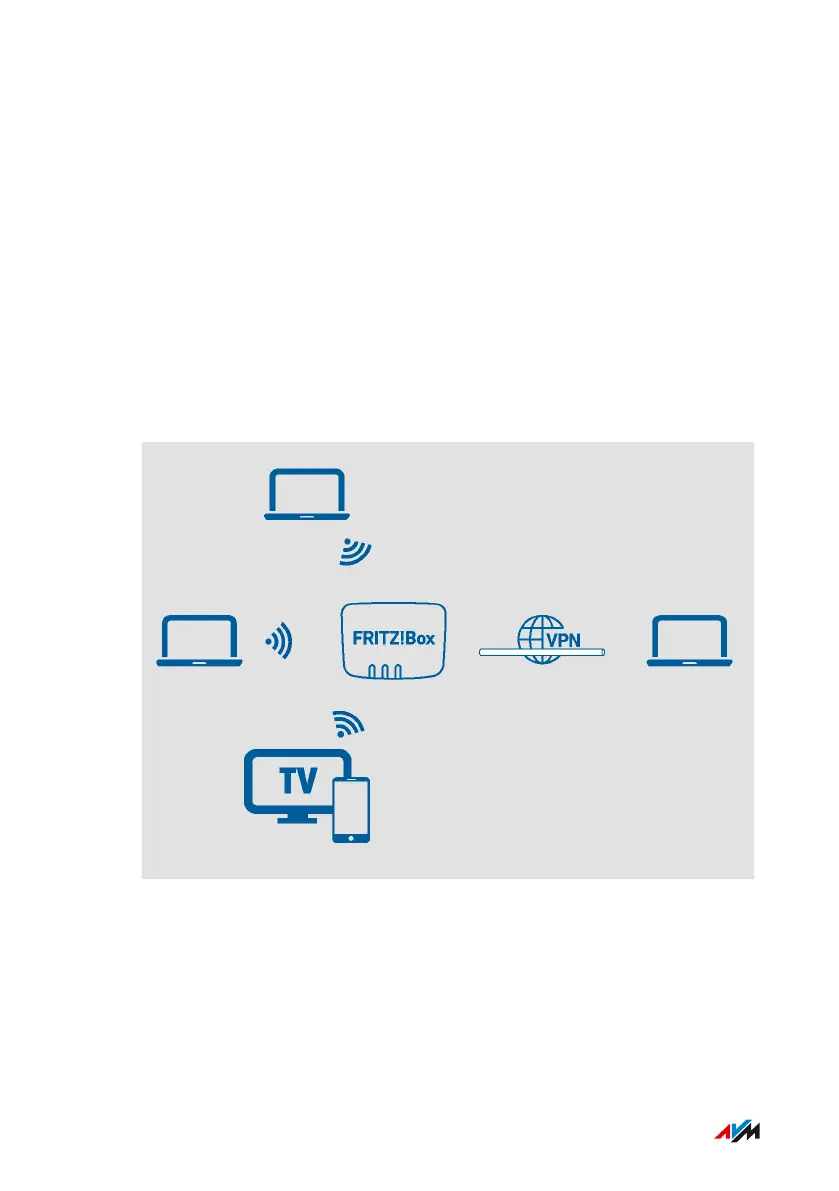
VPN stands for Virtual Private Network. Via VPN, secure remote access
to the network of the FRITZ!Box can be established. The connection
is established via the internet. The data are transmitted in encrypt-
ed form via what is known as a tunnel. This excludes the possibility of
unauthorized access to the data. This way field representatives, for in-
stance, can connect with the corporate network via VPN.
Example Configuration
FRITZ!Box4040 87
User Interface: Internet Menu
• • • • • • • • • • • • • • • • • • • • • • • • • • • • • • • • • • • • • • • • • • • • • • • • • • • • • • • • • • • • • • • • • • • • • • • • • • • • • • • • • • • • • • • • • • • • • • • • • • • • • • • •
• • • • • • • • • • • • • • • • • • • • • • • • • • • • • • • • • • • • • • • • • • • • • • • • • • • • • • • • • • • • • • • • • • • • • • • • • • • • • • • • • • • • • • • • • • • • • • • • • • • • • • • •



 To Next Page