Opening the User Interface
Overview
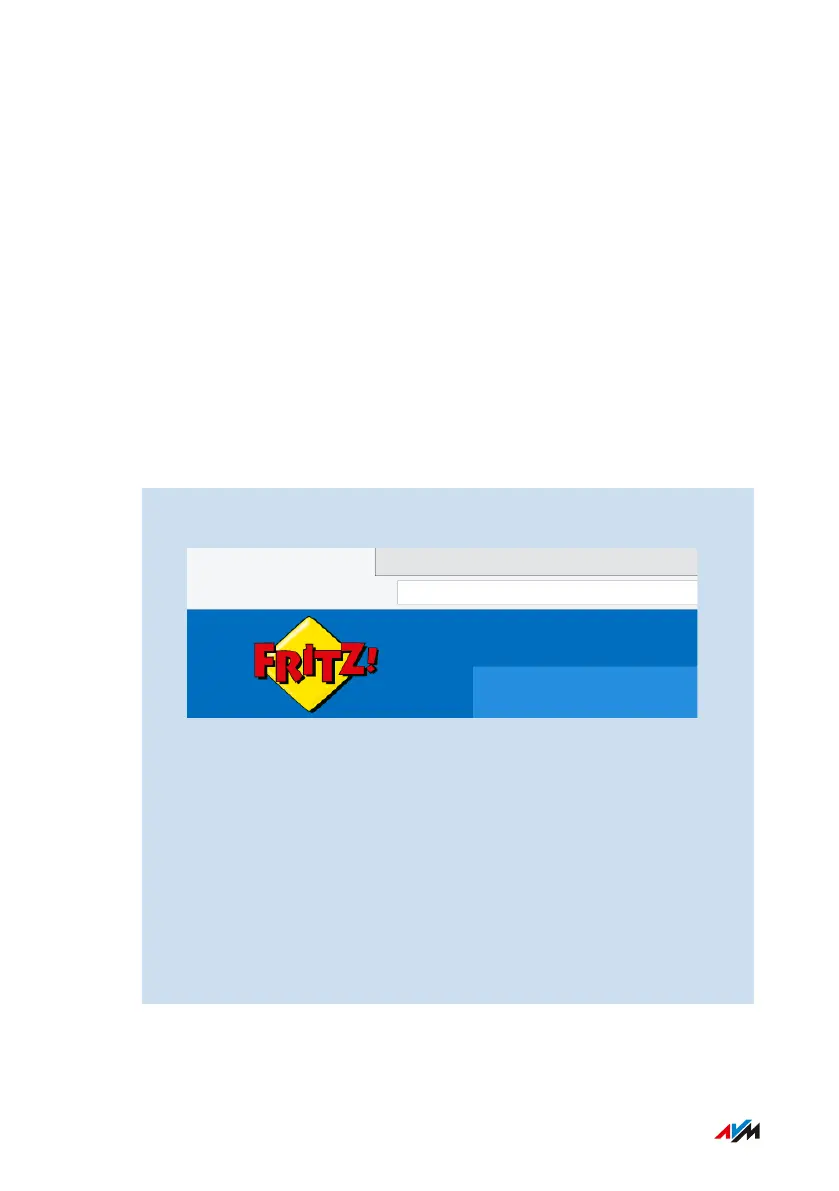
Open the user interface of the FRITZ!Box in a web browser. In the user
interface you configure the FRITZ!Box and receive information on con-
nections, interfaces, and on the entire home network.
Requirements
• Your computer, tablet or smartphone is connected with the
FRITZ!Box via Wi-Fi or with the network cable.
Instructions: Opening User Interface
1. Start a web browser on your computer or mobile device and en-
ter http://fritz.box in the address bar.
2. Enter the preset FRITZ!Box password and click on “Log In”.
The preconfigured FRITZ!Box password is printed on the type la-
bel on the bottom of housing and on the “FRITZ!Notes” service
card.
If you already changed the preset FRITZ!Box password, or if a
FRITZ!Box user has already been created, then log in with the
changed login information; see page142.
The FRITZ!Box user interface opens to display the “Overview” home-
page.
FRITZ!Box4040 46
User Interface
• • • • • • • • • • • • • • • • • • • • • • • • • • • • • • • • • • • • • • • • • • • • • • • • • • • • • • • • • • • • • • • • • • • • • • • • • • • • • • • • • • • • • • • • • • • • • • • • • • • • • • • •
• • • • • • • • • • • • • • • • • • • • • • • • • • • • • • • • • • • • • • • • • • • • • • • • • • • • • • • • • • • • • • • • • • • • • • • • • • • • • • • • • • • • • • • • • • • • • • • • • • • • • • • •



 To Next Page