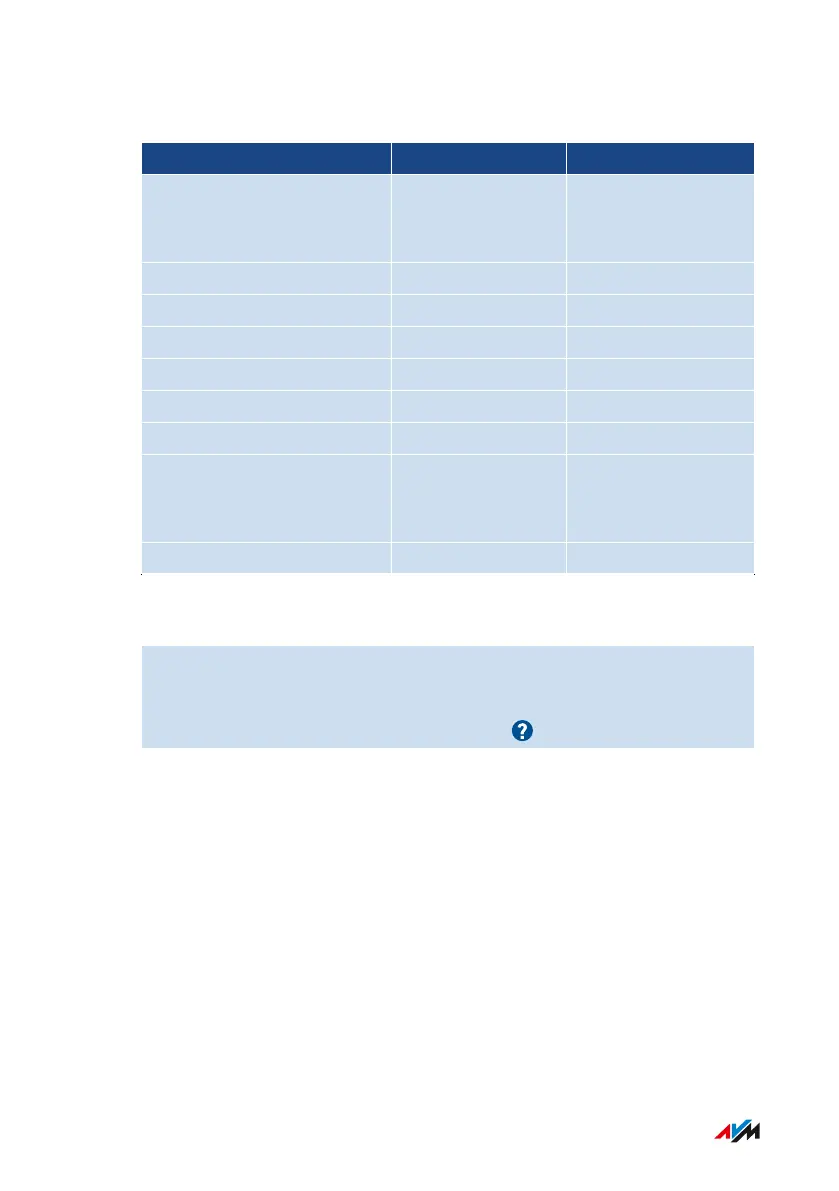
Characters Allowed for Passwords and Usernames
Characters In Usernames In Passwords
Letters of the Latin alpha-
bet in upper case (A-Z) and
in lower case (a-z)
allowed allowed
Numerals (0-9) allowed allowed
Spaces allowed allowed
Umlauts (ä, ö, ü) not allowed not allowed
The letter ß not allowed not allowed
Currency symbols: € not allowed not allowed
Special characters: - _ , . allowed allowed
Special characters: ! " # $ %
& ’ ( * ) + / : ; < = > ? @ [ \ ] ^
‘ { | } ~
not allowed allowed
Special characters: § ´ not allowed not allowed
Instructions: Configuring FRITZ!Box Users
1. Open the user interface; see page46.
2. Select “System / FRITZ!Box Users / Users”.
3. For instructions, open the online help .
FRITZ!Box4040 145
User Interface: System Menu
• • • • • • • • • • • • • • • • • • • • • • • • • • • • • • • • • • • • • • • • • • • • • • • • • • • • • • • • • • • • • • • • • • • • • • • • • • • • • • • • • • • • • • • • • • • • • • • • • • • • • • • •
• • • • • • • • • • • • • • • • • • • • • • • • • • • • • • • • • • • • • • • • • • • • • • • • • • • • • • • • • • • • • • • • • • • • • • • • • • • • • • • • • • • • • • • • • • • • • • • • • • • • • • • •



 To Next Page