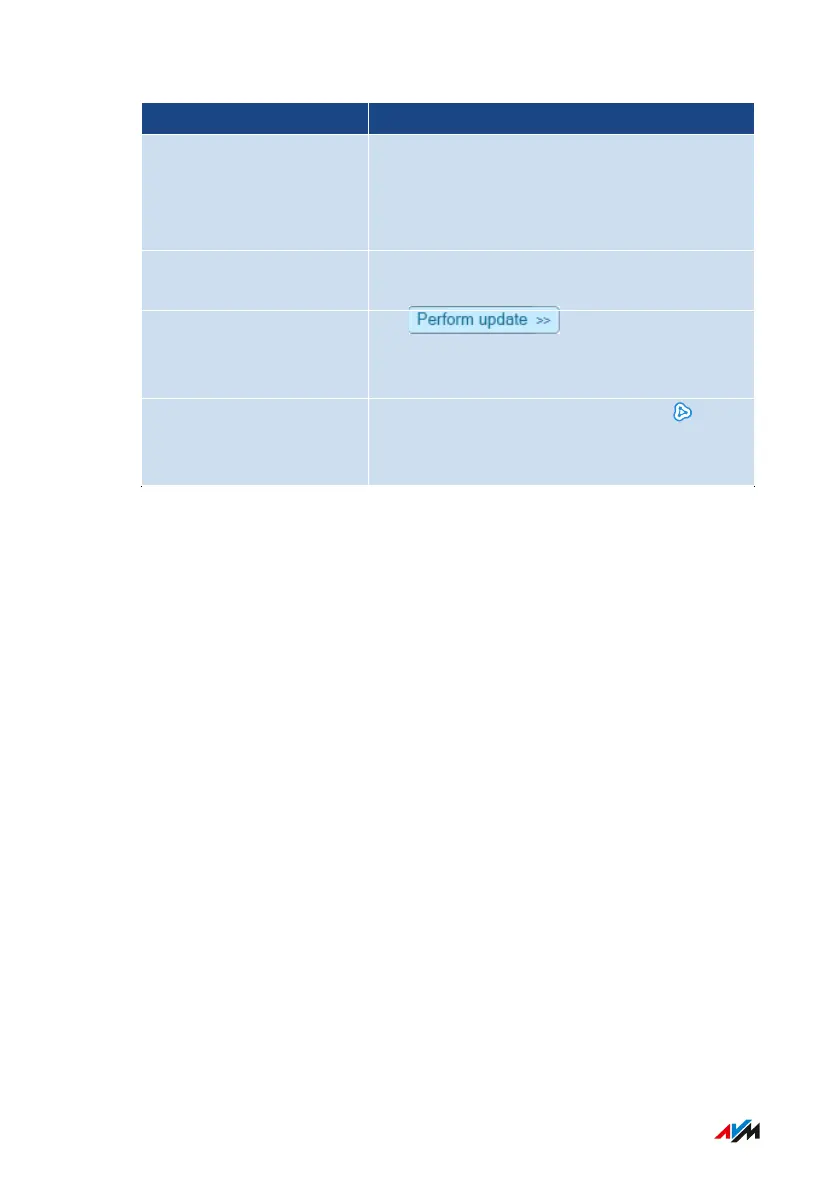
What the Diagram Shows Details
Connection topology Connection path of the devices to the
FRITZ!Box: direct connection or via a re-
peater, an access point, or a powerline de-
vice
Devices in the guest net-
work
Devices that are connected with the
FRITZ!Box via the guest network
Update available The button for FRITZ!
products indicates that a new FRITZ!OS is
available.
Devices in the Mesh Mesh enabled: the “Mesh enabled” sym-
bol marks the devices that are configured
as Mesh Repeaters.
FRITZ!Box4040 94
User Interface: Home Network Menu
• • • • • • • • • • • • • • • • • • • • • • • • • • • • • • • • • • • • • • • • • • • • • • • • • • • • • • • • • • • • • • • • • • • • • • • • • • • • • • • • • • • • • • • • • • • • • • • • • • • • • • • •
• • • • • • • • • • • • • • • • • • • • • • • • • • • • • • • • • • • • • • • • • • • • • • • • • • • • • • • • • • • • • • • • • • • • • • • • • • • • • • • • • • • • • • • • • • • • • • • • • • • • • • • •



 To Next Page