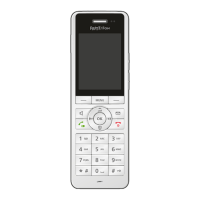
FRITZ!Fon MT-D 12
Starting Operation of the FRITZ!Fon C5
FRITZ!Fon C5 12
2 Starting Operation of the FRITZ!Fon C5
2.1 Starting and Registering
1. Pull the protective film downward out of the FRITZ!Fon C5.
FRITZ!Fon C5 starts automatically.
2. Press the registration button on your DECT base station. De-
pending on the device, it is usually called the DECT or Paging
button.
FRITZ!Fon C5 is connected with the DECT base station and can
be used immediately.



 To Next Page
 Loading...