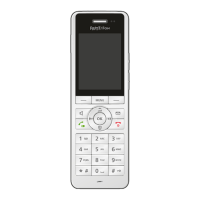
FRITZ!Fon C5 55
Listening to Podcasts
FRITZ!Fon MT-D 55
4. Select an RSS message and then press “Show”.
The RSS feed appears on the display.
Navigating in RSS Feeds
Use the navigation keys to navigate upward and downward in the
message and to skip to the next or the previous message.
With the OK key you can page forward and skip to the next mes-
sage.
Rotating the Display
With the key you can rotate the display:
12.3 Listening to Podcasts
With FRITZ!Fon you can listen to podcasts.
Addresses of podcasts are listed, for instance, at
ipodder.org/directory/4/podcasts
.
Press the key ... Display Rotation
once The display rotates by 90°.
twice The display rotates by 270°.
three times The display is reset.



 To Next Page
 Loading...