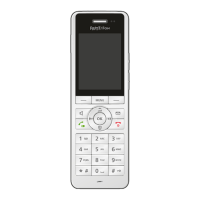
FRITZ!Fon MT-D 34
Selecting a Telephone Number before a Call
FRITZ!Fon C5 34
6.2 Selecting a Telephone Number before a Call
If FRITZ!Fon is registered with a FRITZ!Box, you can select a telephone
number before you place a call. If you do not select a telephone num-
ber, the number you assigned to FRITZ!Fon in the FRITZ!Box will be
used.
Requirements
This is how FRITZ!Fon must be set up in the FRITZ!Box user interface:
• For incoming calls the option “React only to the following num-
bers” must be enabled.
• At least one of the numbers enabled for incoming calls cannot
be enabled for outgoing calls.
Selecting a Telephone Number
1. Press the Menu key .
2. Select “Settings / OK / Telephony / OK / Number for Outgoing
Calls / OK”.
3. Select a telephone number and then press “OK”.
The telephone number appears on the FRITZ!Fon display and the
FRITZ!Fon uses this number to make the next call.



 To Next Page
 Loading...