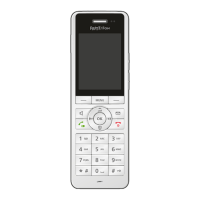
FRITZ!Fon C5 49
Switching the Alarm On and Off
FRITZ!Fon MT-D 49
10.2 Switching the Alarm On and Off
1. Press the Menu key .
2. Select “Supplementary services / OK / Alarm / OK”.
3. Select an alarm.
4. Press the Select key with the “Options” display.
5. Select “Alarm on / OK” or “Alarm off / OK”.
The alarm is turned on or off.



 To Next Page
 Loading...