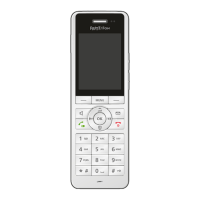
FRITZ!Fon C5 57
Listening to Web Radio
FRITZ!Fon MT-D 57
12.4 Listening to Web Radio
With FRITZ!Fon you can listen to web radio (also called “Internet ra-
dio”).
Many web radio station addresses are available, for instance, at
onlineradiostations.com
and shoutcast.com.
Configuring a Web Radio Station
Configure the radio stations you would like to listen to with FRITZ!Fon
in the FRITZ!Box:
1. Open the user interface of the FRITZ!Box in a web browser
(http://fritz.box).
2. Select “Home Network / Media Server / Web Radio”.
3. Select from the drop-down menu a preselected web radio sta-
tion, or select “Other web radio station” and configure a new
radio station.
The radio station must use the “pls” or “m3u” format.
The Help of the FRITZ!Box user interface presents comprehensive in-
formation on all of the settings for web radio stations.



 To Next Page
 Loading...