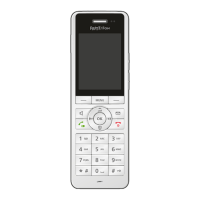
FRITZ!Fon MT-D 36
Calling a Telephone Number from the Telephone Book
FRITZ!Fon C5 36
4. Set up the new telephone book.
For more information on setting up the telephone book, click
“Help” in the user interface.
Selecting a Telephone Book in FRITZ!Fon
If you have set up multiple telephone books in your FRITZ!Box, you
can select a telephone book on the FRITZ!Fon.
1. Press the bottom navigation key .
The telephone book is opened.
2. Press the Select key with the “Options” display.
3. Select “Change Phone Book / OK”.
4. Select a telephone book and click “OK”.
7.3 Calling a Telephone Number from the Telephone
Book
You can make calls from the telephone book:
1. Press the bottom navigation key .
The telephone book is opened.
2. Select an entry.
3. Press the Connect key .
or
Press “OK”, select “Dial” and select a telephone number.
Press the Connect key .
The call will be connected.



 To Next Page
 Loading...