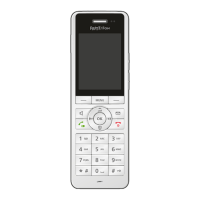
FRITZ!Fon MT-D 28
Muting the Microphone
FRITZ!Fon C5 28
5.7 Muting the Microphone
You can switch off the microphone of the FRITZ!Fon and a connected
headset. Then the other parties will no longer be able to hear you.
Press the Select key with the display “Mute”, to mute the
microphone.
Press the Select key with the display “Loud” to switch the
microphone back on.
5.8 Making Internal Calls
Other telephones connected with the same base station as FRITZ!Fon
can be called internally. Internal calls are free of charge.
Requirements
The following requirement must be met in order to conduct internal
calls:
• You use a FRITZ!Box as the base station for FRITZ!Fon, or anoth-
er base station that supports internal calling.
Making Internal Calls
1. Press the left navigation key .
2. Select a telephone.
3. Press the Connect key .
The internal call will be connected.



 To Next Page
 Loading...