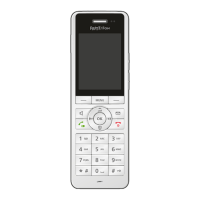
FRITZ!Fon MT-D 42
Switching the Answering Machine On and Off
FRITZ!Fon C5 42
8.3 Switching the Answering Machine On and Off
1. Press the Menu key .
2. Select “Answering machine / OK”.
3. Press the Select key with the “Options” display.
4. Select “Settings / OK”.
5. Select an operating mode.
In the “Greeting only” mode, callers cannot leave you any mes-
sages.
6. Press the End Call key .
8.4 Recording a Greeting
You can use the start and end announcements on the answering ma-
chine or record your own announcements:
1. Press the Menu key .
2. Select “Answering machine / OK”.
3. Press the Select key with the “Options” display and se-
lect “Settings / OK”.
4. Select an operating mode and press “Options”.
5. In the operating mode “With recording”, you select “Start
greeting / OK / Record / OK”.
In the operating mode “Greeting only” you select “Record /
OK”.



 To Next Page
 Loading...