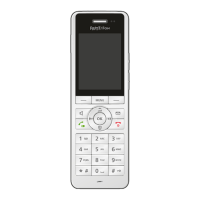
FRITZ!Fon MT-D 24
Switching Base Stations
FRITZ!Fon C5 24
4.2 Switching Base Stations
If FRITZ!Fon is registered at multiple base stations, you can switch
base stations as follows:
1. Press the Menu key .
2. Select “Settings / OK / Registration / OK / Select base / OK”.
3. Select a base station and press “OK”.
FRITZ!Fon connects to the selected base station.
4.3 Deregistering from a Base Station
If you no longer use one of the base stations, deregister FRITZ!Fon
from that base station.
1. Press the Menu key .
2. Select “Settings / OK / Registration / OK / Deregister / OK”.
3. Select a base station and press “OK”.
FRITZ!Fon is deregistered from the base station.



 To Next Page
 Loading...