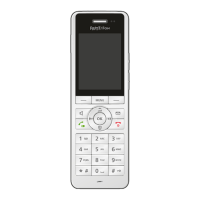
FRITZ!Fon MT-D 30
Three-Party Conference Call
FRITZ!Fon C5 30
4. Once the second call is connected, you can alternate:
Press the Select key with the display “Options” and se-
lect “Alternate / OK”.
You are connected to the first party again.
Using “Options / Alternate / OK” you can alternate between the two
calls as often as you like.
5.10 Three-Party Conference Call
Three parties can confer with each other in real time in a three-party
conference call. Two external and one internal party, or two internal
and one external party can participate in the three-party conference
call.
Requirements
The following requirement must be met in order to conduct three-par-
ty conferences:
• You use a FRITZ!Box as the base station for FRITZ!Fon, or anoth-
er base station that supports three-party conferences.
Making a Three-Party Conference Call
1. Make a call or pick up a call.
2. Press the Select key with the display “R” (consultation).
The first call is on hold.



 To Next Page
 Loading...