142 FONIX 7000 Hearing Aid Analyzer
• REDD: The real-ear to dial difference (only selectable when REDD is set
to CUSTOM)
• TARG IG: The mid-level target in dB insertion gain
6. Use [F5] to select the signal source if you are modifying the SPL target:
• Select the Source Type. Choose between Tone and Composite. Press
[START] to make your selection without closing the pop-up window.
• Select the Source Level. Choose between 40 through 90 dB SPL. Press [>]
to make your selection and close the pop-up window.
7. Use the arrow keys to make your modifications to the target. The [∨, ∧] keys
select the desired frequency, and the [<, >] keys modify the amplitude 1 dB
at a time.
Note: When you edit the Target IG, the Target SPL will also be updated.
However, when you edit the Target SPL directly, it will not have an effect on the
Target IG.
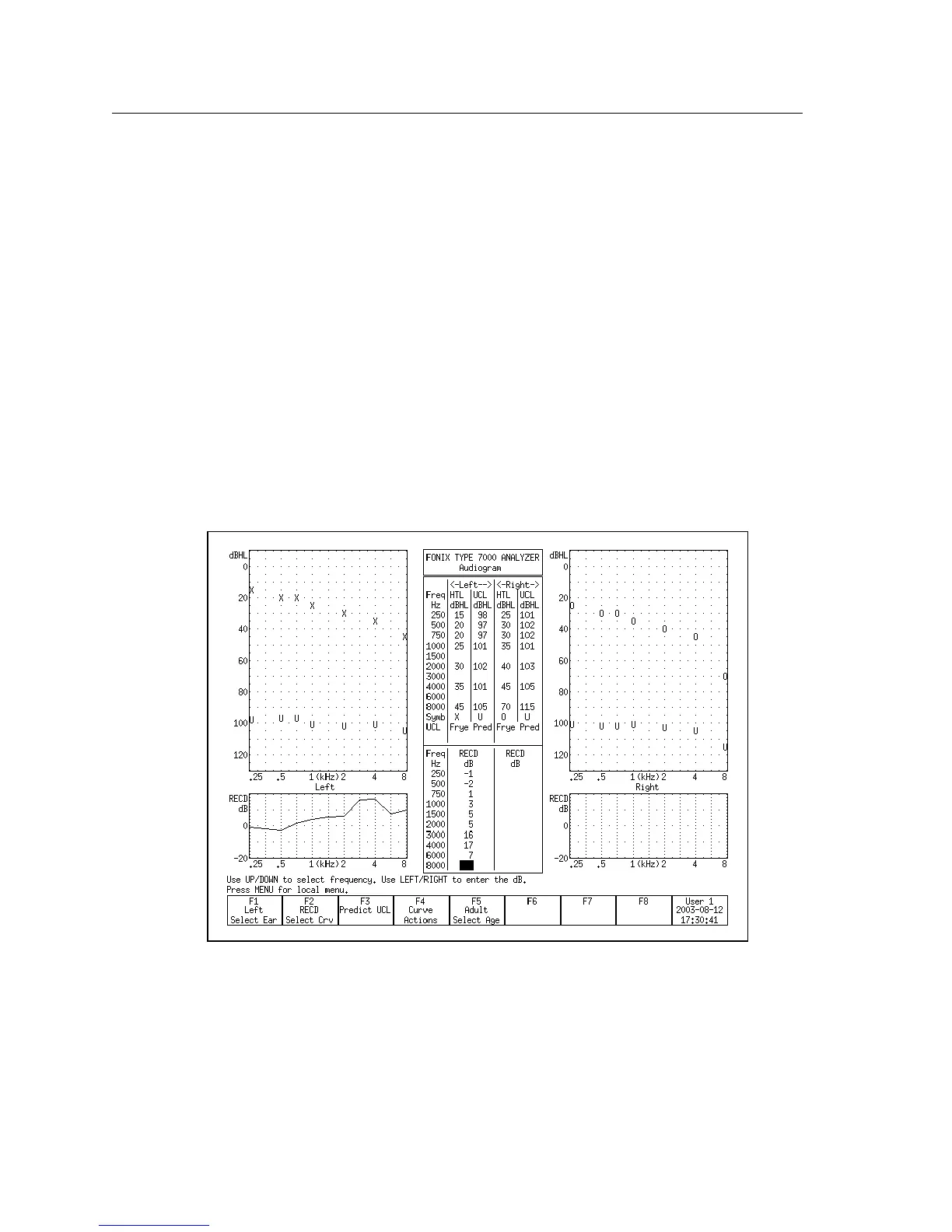
Figure 6.3.6—The Real-Ear Target screen



 To Next Page