Basic Sound Chamber Tests 73
3.4.5 Running a Single Frequency Measurement
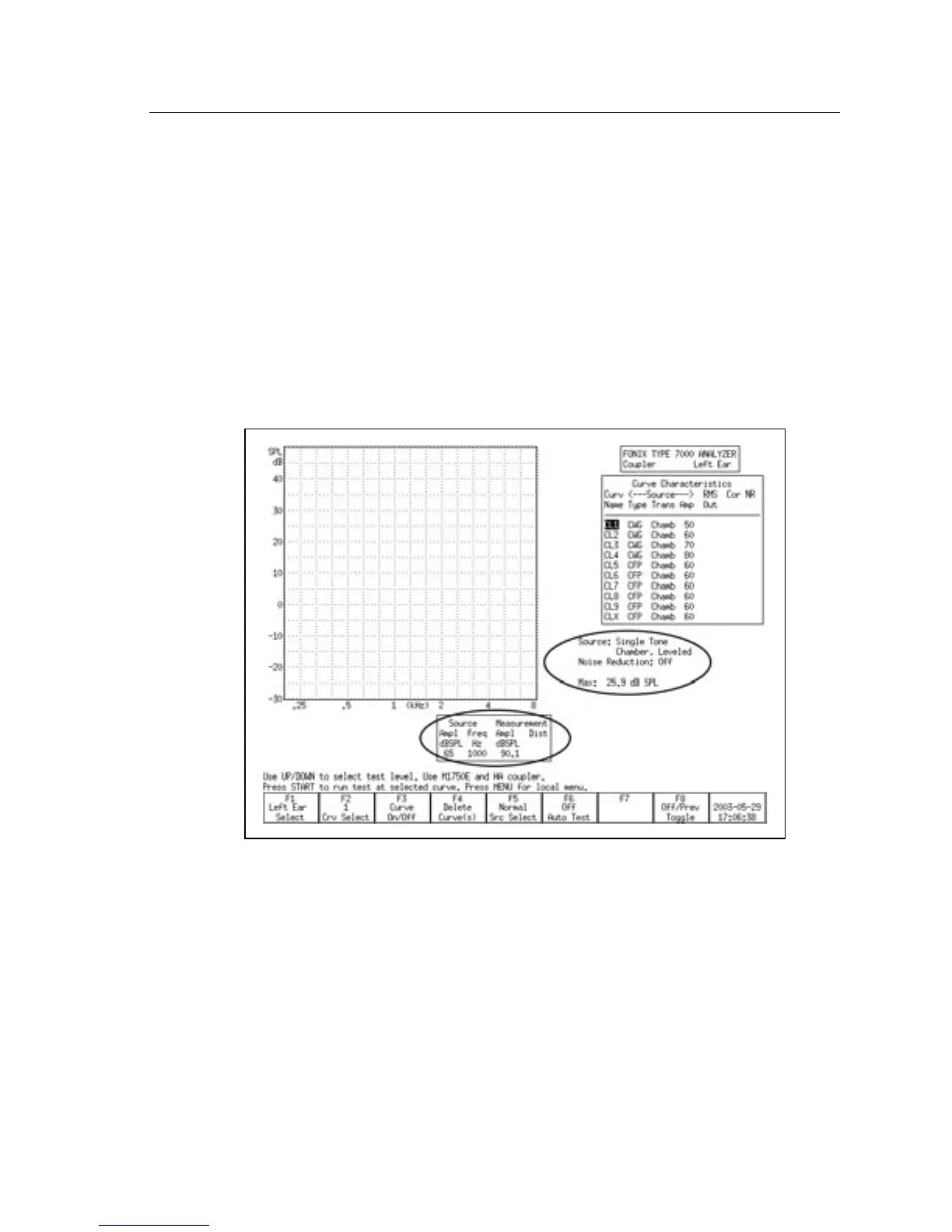
At times, you may want to find out what the frequency response of the hearing
aid is to a single pure-tone signal. See Figure 3.4.5.
1. Press [MENU] from the Coupler screen.
2. Use [∨, ∧] to select Static Tone under Source Settings.
3. Use [<, >] to choose SINGLE.
4. Press [EXIT] to return to the Coupler screen. The single tone will automati
-
cally be running.
5. Adjust the frequency using the [<, >] buttons. Adjust the amplitude using
the [
∧,∨] buttons.
Figure 3.4.5—Measuring a single frequency
3.4.6 Running a Three-Frequency Average
The ANSI standard includes some three frequency average tests. You can run
a three frequency average test (apart from the test sequence) in the Coupler
screen. See Figure 3.4.6. To do this:
1. Press [MENU] from the Coupler screen.
2. Use [∨, ∧] to select Static Tone under Source Settings.



 To Next Page