26 FONIX 7000 Hearing Aid Analyzer
2.1.3 Using the pop-up help windows
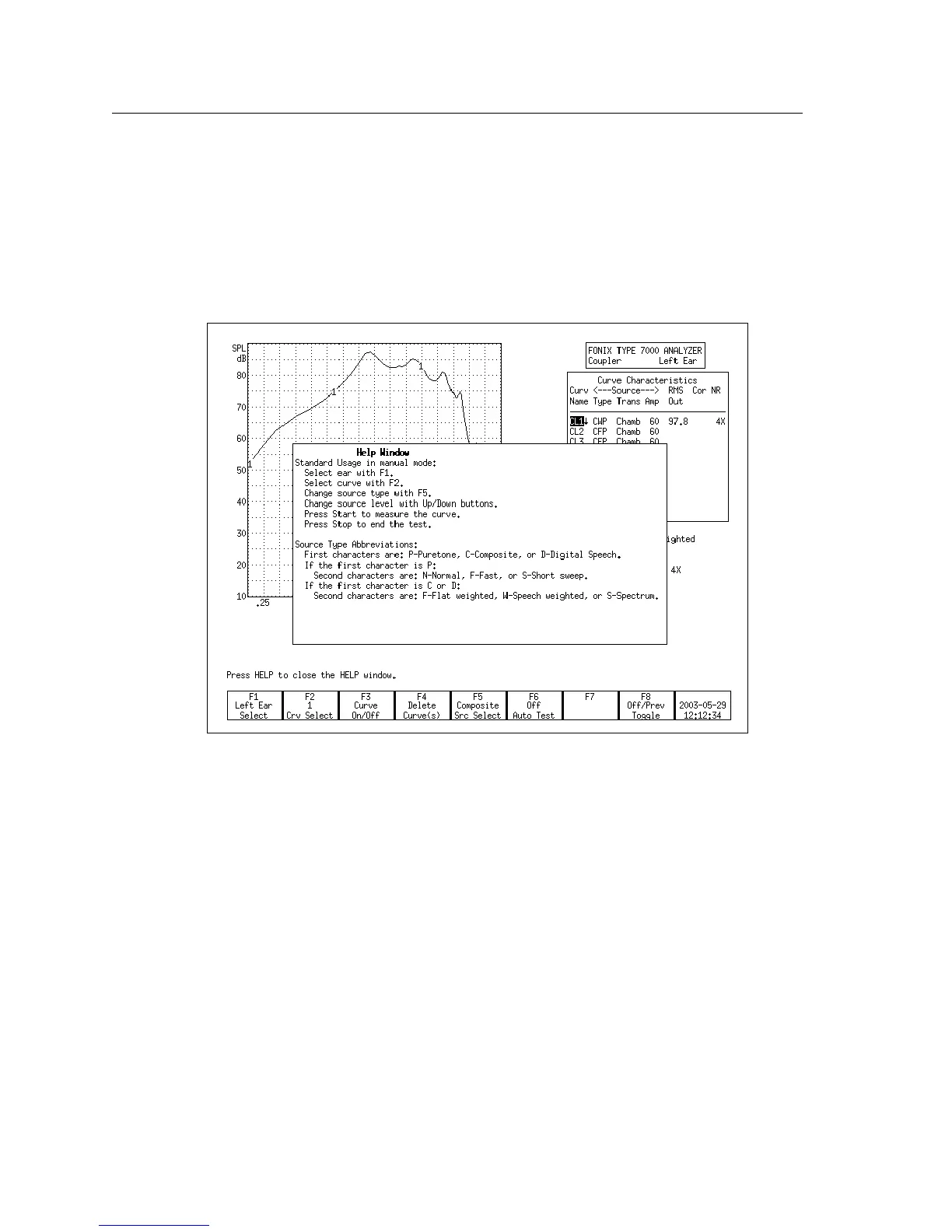
Each operational screen on the 7000 test system has a local help window
designed to give you a basic operational overview of the current screen. In gen
-
eral, these help windows tell you what each button does in the current screen.
See Figure 2.1.3 for an example.
To clear the help window, press [HELP] again or the [EXIT] button.
Figure 2.1.3—Pop-up help window



 To Next Page