General Operation 25
2.1.2 Navigating through the screens
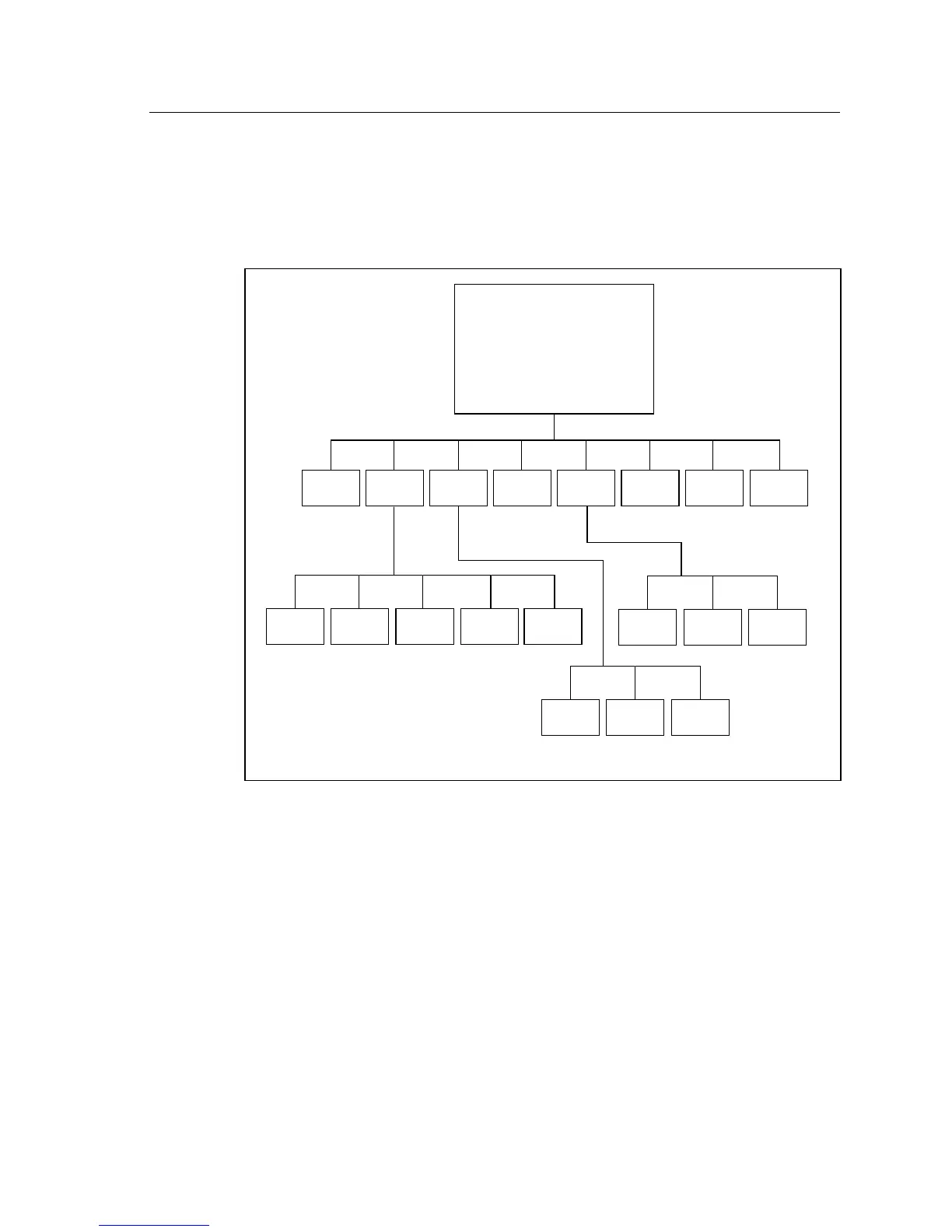
The function keys are used to move from screen to screen. Here is a flow chart
of all the available screens and the buttons used to open each screen. Some of
the screens will only be available to you if you’ve ordered a certain option.
F1 F2 F3 F4 F5 F6 F7 F8
JIS
Enhanced
DSP
F1 F2 F3 F4 F5
Audiogram Target Insertion
Entry Edit Gain
SPL
ANSI 87 ANSI 96 ANSI 03
Battery Coupler Attack &
Test I/O Release
OPENING SCREEN
ANSI
S3.42
Other
Tests
IEC
ANSI
S3.22
Coupler Real-Ear
Screen Menu
F1 F2 F3
F1 F2 F3
Visible
Speech
Figure 2.1.2—Navigation Flow Chart



 To Next Page