Real-Ear Measurements 141
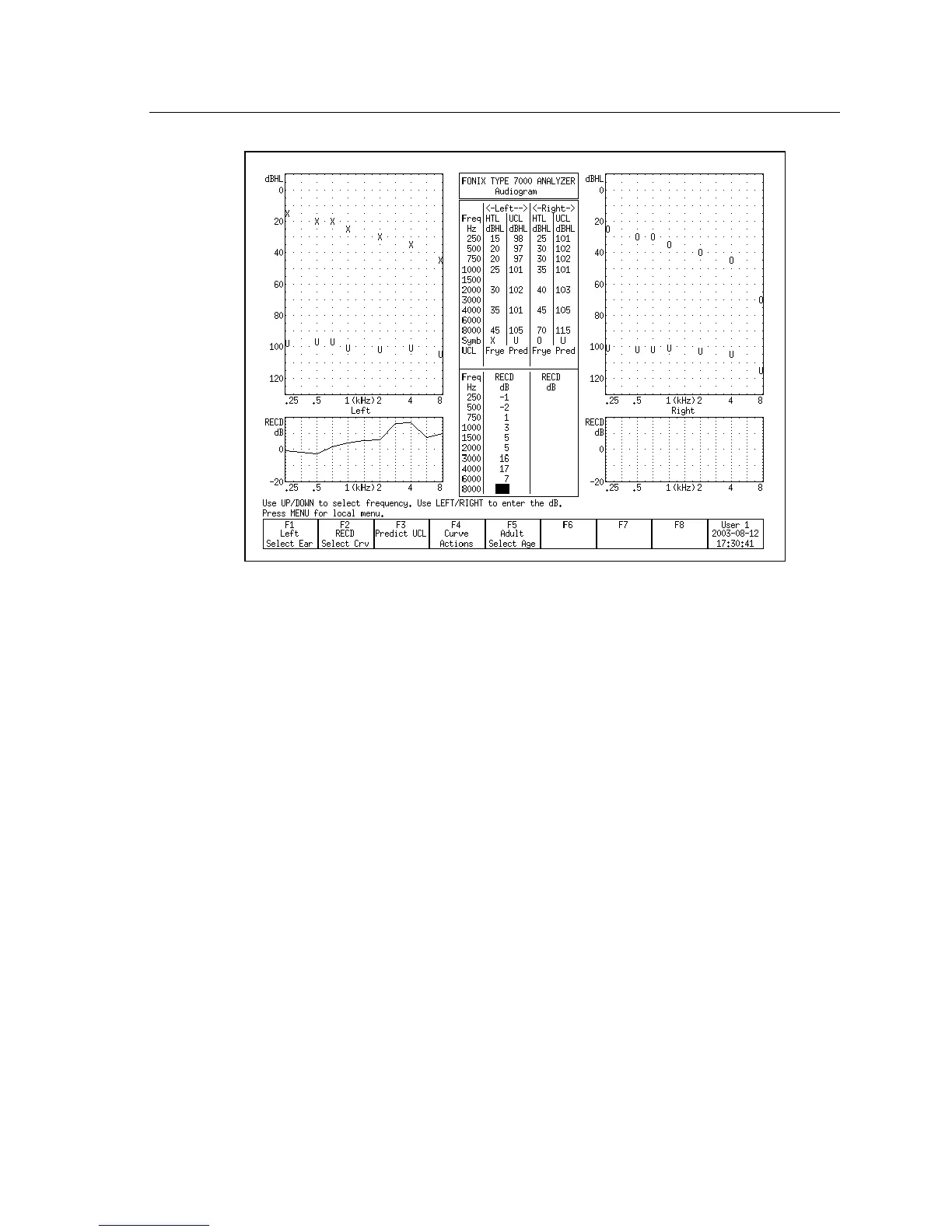
Figure 6.3.5E—Taking an RECD Measurement
6.3.6 Modifying a Target
Once you input an audiogram in the Audiogram Entry screen, a target will auto-
matically appear on the real-ear measurement screens. You can use the Real-Ear
Target screen to modify a target or to input your own target in dB insertion gain
or dB SPL, edit your client’s HTL and UCL values in dB SPL, and input a cus
-
tom real-ear to dial difference (REDD).
1. Enter the Real-Ear Navigation screen by pressing [F2] from the Opening
screen or [EXIT] from a real-ear screen (such as the Audiogram Entry
screen).
2. Press [F2] to enter the Real-Ear Target screen. See Figure 6.3.6. If you have
input an audiogram as described in Section 6.3.1, you should see targets in
both the SPL and gain graphs.
3. Select the desired ear with [F1].
4. Use [F3] to select the desired fitting rule.
5. Use [F2] to select the data you want to edit. The choices are:
• HTL (re): The client’s audiogram in dB SPL
• TARG SPL: The mid-level target in dB SPL
• UCL (re): The client’s uncomfortable levels in dB SPL



 To Next Page