Chapter 3 55
Basic Sound Chamber Tests
In the Coupler screen, you can view measurement curves in dB SPL or dB Gain,
and run them with Composite, Digital Speech, or pure-tone signals. You can dis
-
play up to 10 curves on the Coupler screen at the same time.
From the Opening screen of the 7000 test system, enter the Coupler screen by
pressing [F1].
The Coupler Multicurve screen can be set as the screen that appears when the
7000 test system is powered or the [RESET] button is pressed. See Section 2.2.1
and 2.2.4 (Other sub-section) for details.
3.1 The Coupler Screen Display
The display of the Main Coupler Screen varies depending upon whether you
have chosen a pure-tone source or a composite (including Digital Speech)
source.
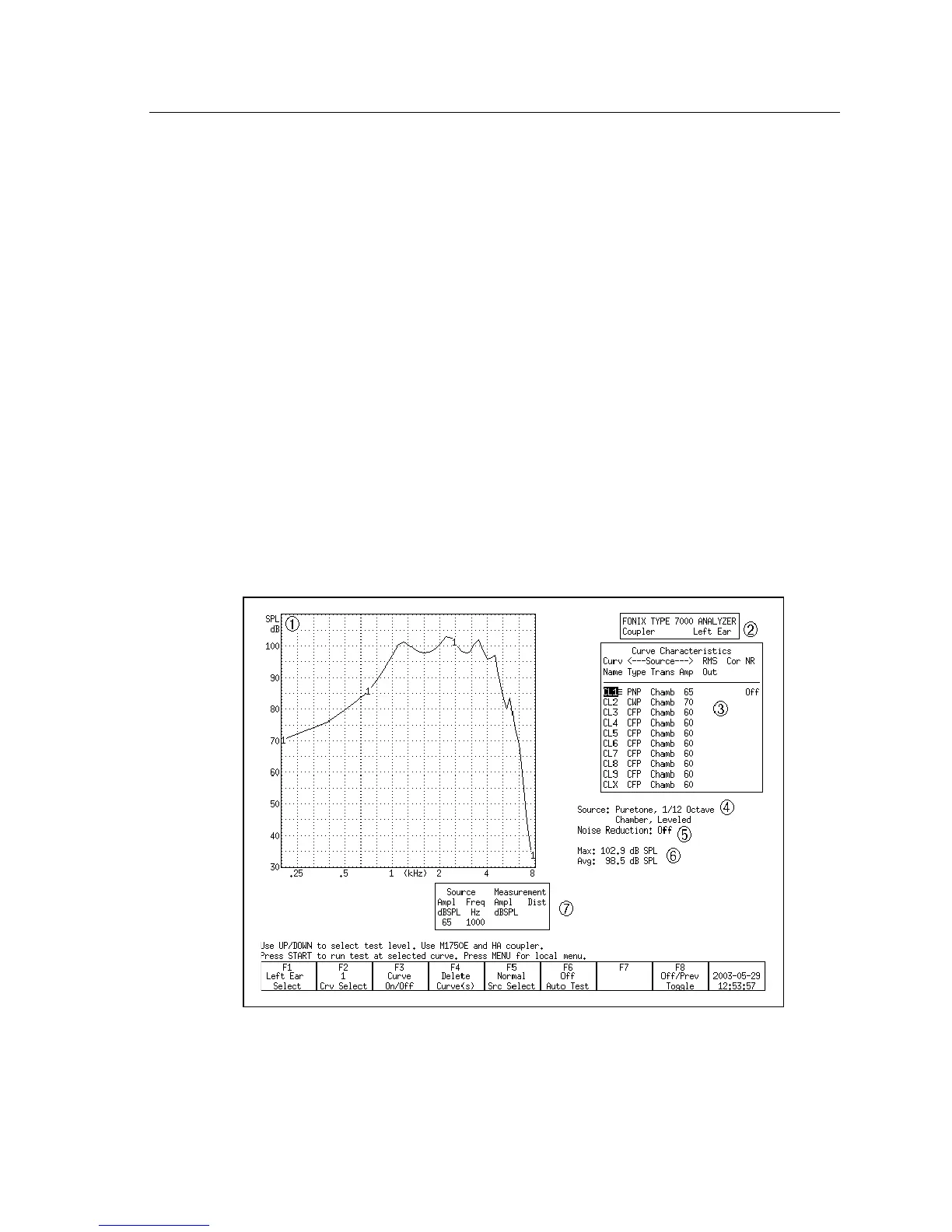
3.1.1 Viewing a Pure-tone Display
Figure 3.1.1—Coupler Screen with pure-tone source



 To Next Page